
AI Agents for HR Professionals: Research-backed guide to real ROI
75% of HR leaders report managers are overwhelmed, and HR professionals spend more than 25% of their week on administrative tasks. HR professionals describe their workday as a “revolving door” of discontented staff and repetitive inquiries.
The pressure is real. You’re understaffed, overworked, and stuck in reactive mode, answering the same questions about PTO policies while strategic initiatives collect dust. AI agents aren’t here to replace you. They’re here to give you your time back.
This guide cuts through the hype to show you exactly where AI agents for HR deliver measurable ROI, backed by current research and real-world data.
What are AI Agents for HR?
Before we go deeper, let’s clarify what we mean by an “AI agent.”
An AI agent is a purpose-built, task-driven automation that uses generative AI and system integrations to handle HR requests like a digital teammate.
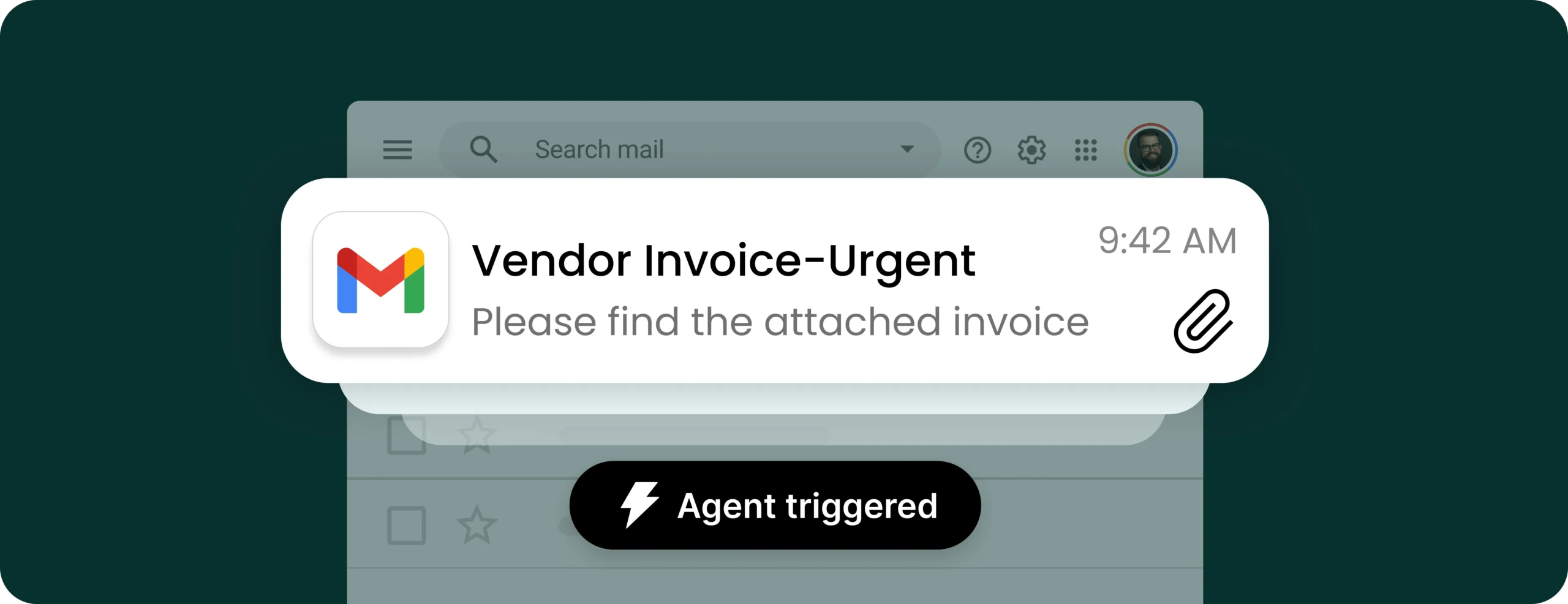
Unlike general-purpose chatbots, these agents are designed to actively complete work on your behalf. That might mean answering PTO questions using data from your HRIS, chasing down missing documents during onboarding, or flagging payroll errors before they’re processed.
Think of them as Digital HR Assistants that sit across your tools and processes: available 24/7, scalable across locations, and always consistent in their execution.
These agents don’t just answer questions. They:
- Trigger actions (like scheduling, document routing, or system updates)
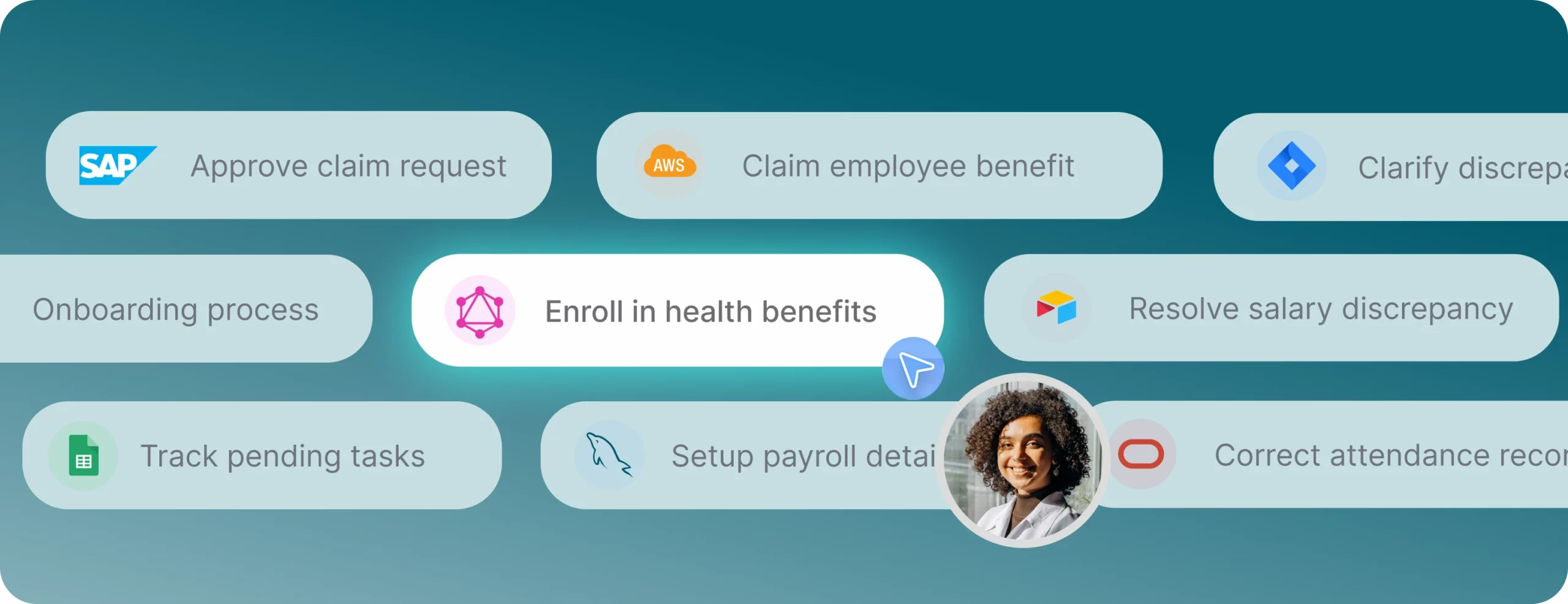
- Coordinate across tools like Workday, Greenhouse, Slack, and more
- Learn and adapt over time to handle more complexity
- Free your team from repetitive tasks so you can focus on strategy and people
We’ll use terms like “AI agent,” “Digital HR Assistant,” and “AI-powered HR workflow” interchangeably in this guide, but the core idea is the same: software that does real work so your team doesn’t have to.
AI agents for HR: 6 high-impact use cases
1. AI agents for employee self-service: Conversational HR assistants
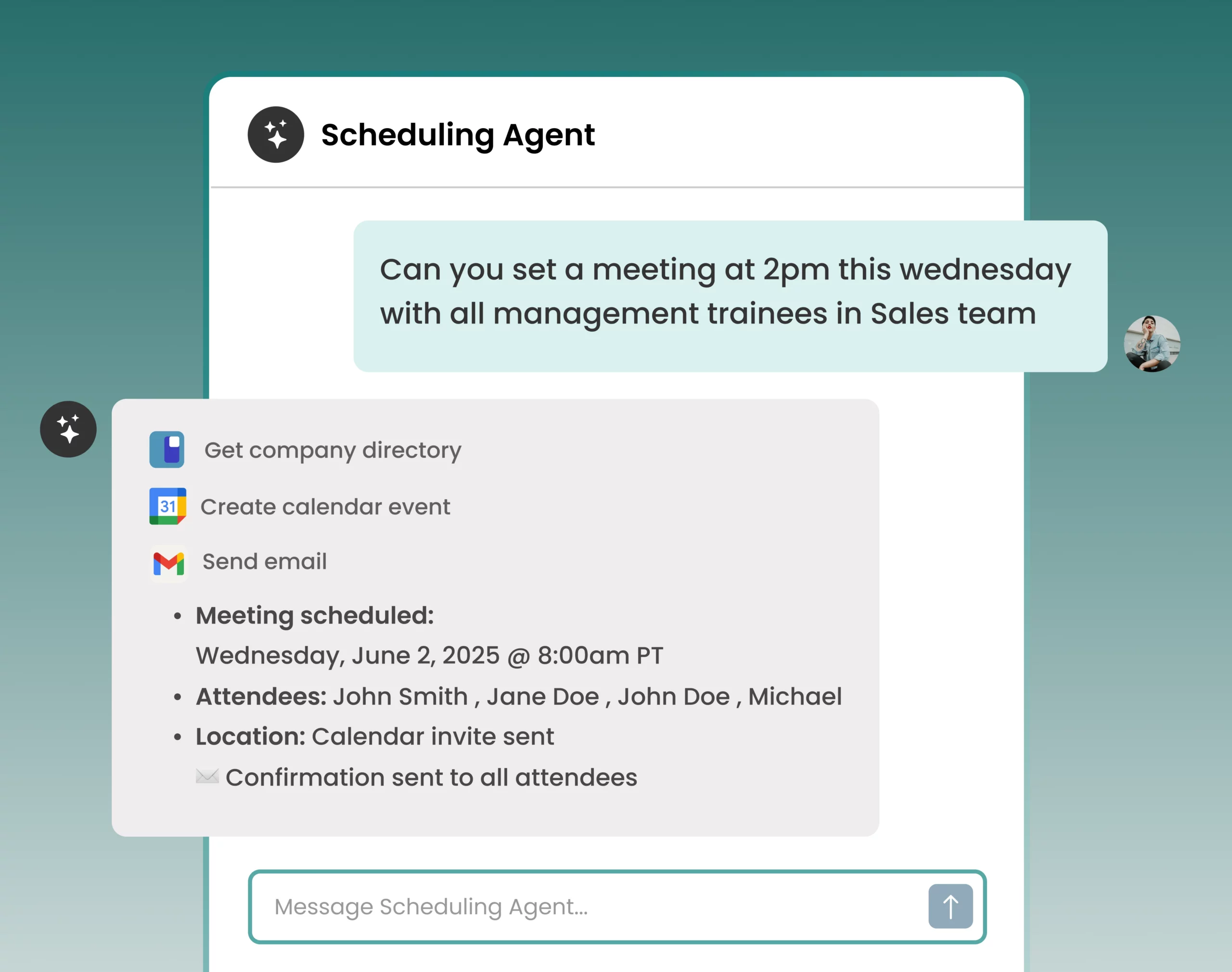
Why this is #1: This is where the ROI is most dramatic and immediate.
HR teams spend up to 50% of their time answering repetitive questions about leave balances, benefits, payroll dates, policies, and document requests. HR professionals describe their workday as a “revolving door” of discontented staff and repetitive inquiries. Requests come through email, Slack, Teams, and forms, making it nearly impossible to track who owns what or measure response times.
- Companies save up to 40% on HR costs by using automation and generative AI for employee support
- Employees prefer self-serve chatbot for their HR needs
What an Employee self-service AI agents will do:
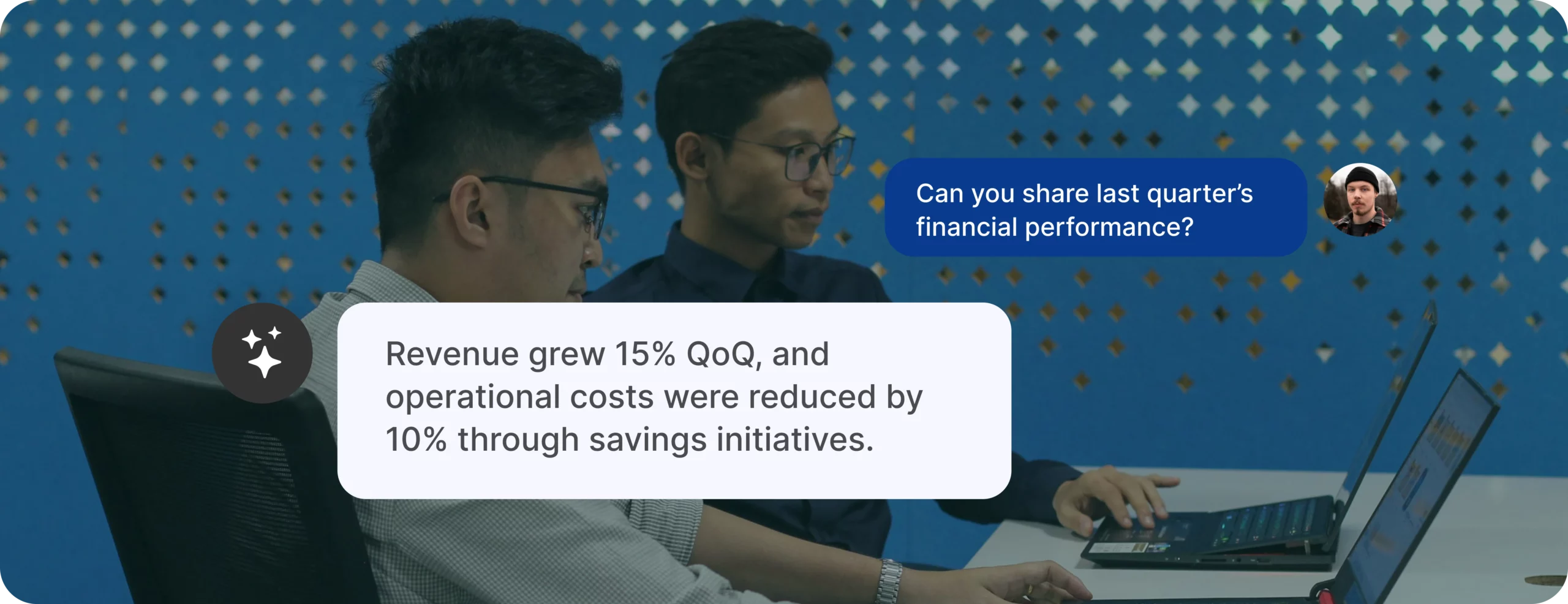
- Answer employee questions 24/7 about policies, benefits, PTO balances, payroll dates
- Guide employees through HR workflows (adding dependents, requesting documents, updating information)
- Retrieve personalized information from HRIS, benefits portals, and knowledge bases
- Create, track, and route cases when human intervention is needed
- Surface trending questions to identify knowledge gaps
What tools and systems this connects to: HRIS (Ex: Workday, BambooHR, Rippling, HiBob), HR knowledge bases (Confluence, SharePoint, Notion), case management (ServiceNow HRSD, Jira Service Management, Zendesk), payroll systems (read-only), benefits portals, leave management systems, communication platforms (Slack, Teams, email)
Getting started:
- Week 1: Audit your most frequent HR inquiries. Look at Slack messages, email, and service requests volumes.
- Week 2: Identify your top 10-15 repetitive questions that consume the most time.
- Week 3: Pilot an AI assistant with these specific use cases, connected to your HRIS and knowledge base.
- Month 2: Measure reduction in HR service requests, response time, and employee satisfaction.
Instead of answering “How many PTO days do I have?” for the 47th time this month, your HR team focuses on retention strategies, culture building, and talent development.
2. AI Agents for recruitment and hiring operations
The interview schedule was cited by 35% of respondents as taking up the most time throughout the recruiting process. Recruiters spend days sorting through resumes, chasing hiring managers for feedback, updating candidate status, and playing email ping-pong to schedule interviews. HR and recruitment professionals report that the first interview takes as long as 2-3 weeks to schedule.
- Recruiters who use interview scheduling software save between 2 and 10 hours each week
- Automated interview scheduling can reduce time-to-hire by 30%
What these AI agents for HR do:
- Automatically schedule interviews by coordinating calendars across candidates, hiring managers, and interviewers
- Send reminders and reduce no-shows
- Screen resumes against job requirements and create candidate shortlists
- Update candidates on application status in real-time
- Chase hiring managers for feedback and keep the process moving
- Generate interview guides and questions tailored to roles
- Track candidate experience metrics
Systems agents connect to: Applicant tracking systems (Greenhouse, Lever, Ashby, Workday Recruiting), calendar systems (Google Calendar, Outlook, Calendly), email and messaging platforms, interview scheduling tools, assessment platforms (HackerRank, Codility, HireVue), HRIS for offer-to-onboarding handoff
Getting started:
- Week 1: Calculate your current time-to-first-interview and time-to-hire metrics.
- Week 2: Pilot automated scheduling for one role or department.
- Week 3: Measure candidate experience improvements and recruiter time saved.
- Month 2: Expand to resume screening and candidate communication automation.
Your recruiters become talent advisors instead of scheduling coordinators. Time to schedule interviews drops and candidates actually want to work for you because your process doesn’t make them wait weeks for basic updates.
3. AI agents for employee onboarding & offboarding ops
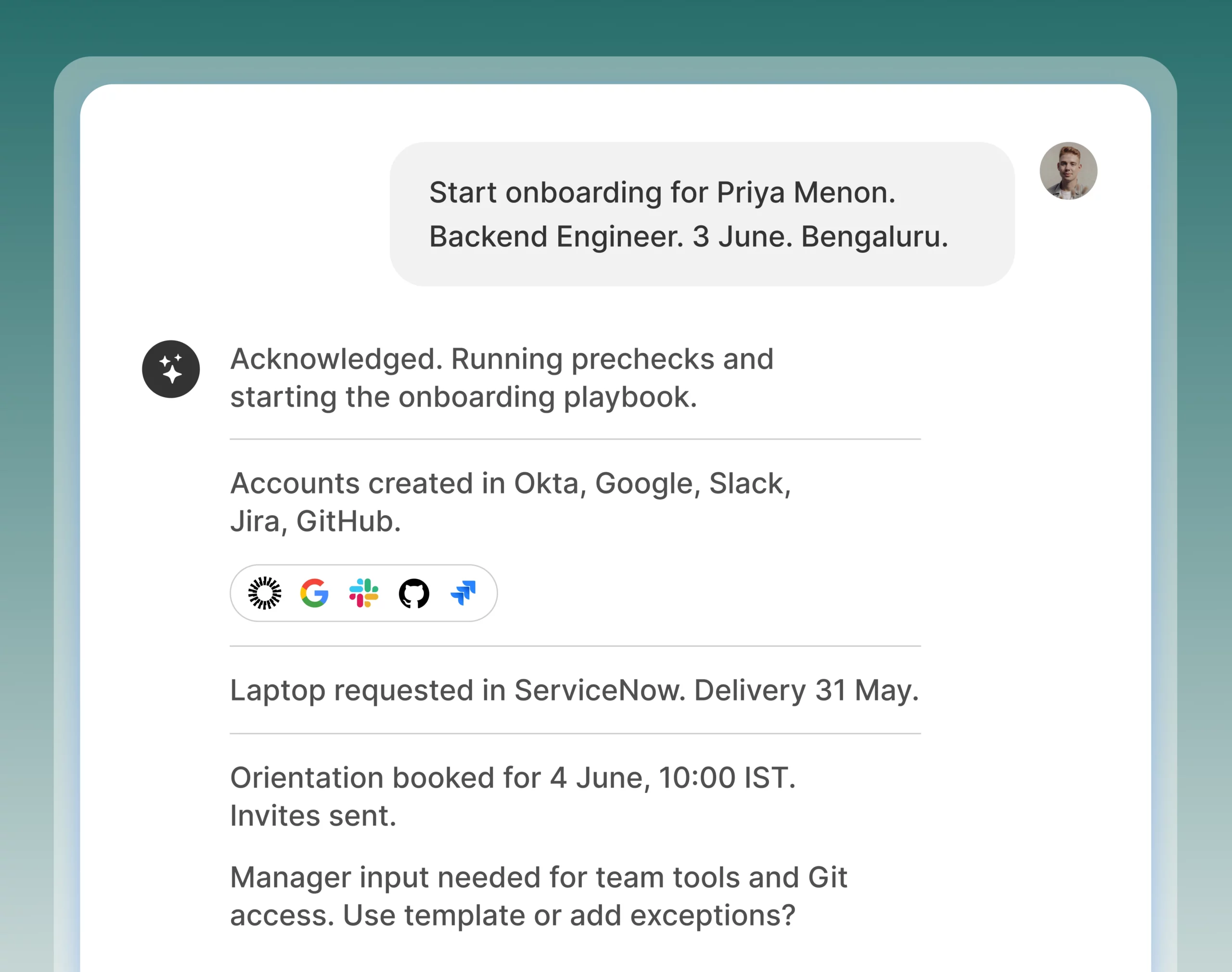
40% of HR professionals say onboarding is one of their top 3 challenges. One fast-growing firm spent around 10 hours of staff time across three departments just to onboard a single employee, involving 6+ emails per new hire and updating data in 6 different tools. When recruits have a bad onboarding experience, they are twice as likely to search for another job.
- Companies that use onboarding automation reduce onboarding time by 80% (from a week to just 1-2 day)
- HR professionals may free up 14 hours per week by delegating time-consuming onboarding tasks to AI
What these AI agents for HR do:
- Coordinate offer approvals across stakeholders
- Automatically generate and route offer letters and onboarding documents
- Chase down document signatures (W-4s, I-9s, benefits elections)
- Coordinate with IT for system access, payroll for setup, facilities for equipment
- Create personalized 30-60-90 day plans based on role and department
- Check in with new hires at key milestones
- Flag incomplete tasks and bottlenecks before start date
Systems agents connect to: ATS-to-HRIS handoff, document signing (DocuSign, Adobe Sign), background verification (Checkr, HireRight), IT service desk (ServiceNow, Jira), identity management (Okta, Azure AD, Google Workspace), payroll systems (ADP, Gusto, Workday Payroll), learning management systems (Docebo, Cornerstone)
Getting started:
- Week 1: Map your current onboarding process from offer acceptance to Day 90.
- Week 2: Identify manual handoffs, bottlenecks, and tasks requiring multiple emails.
- Week 3: Automate document collection and IT/payroll workflows.
- Month 2: Create personalized onboarding journeys and measure time-to-productivity improvements.
New hires show up on Day 1 with equipment ready, access provisioned, and a clear roadmap. Your HR team stops chasing signatures and starts building relationships.
4. AI agents for payroll administration and compliance insights
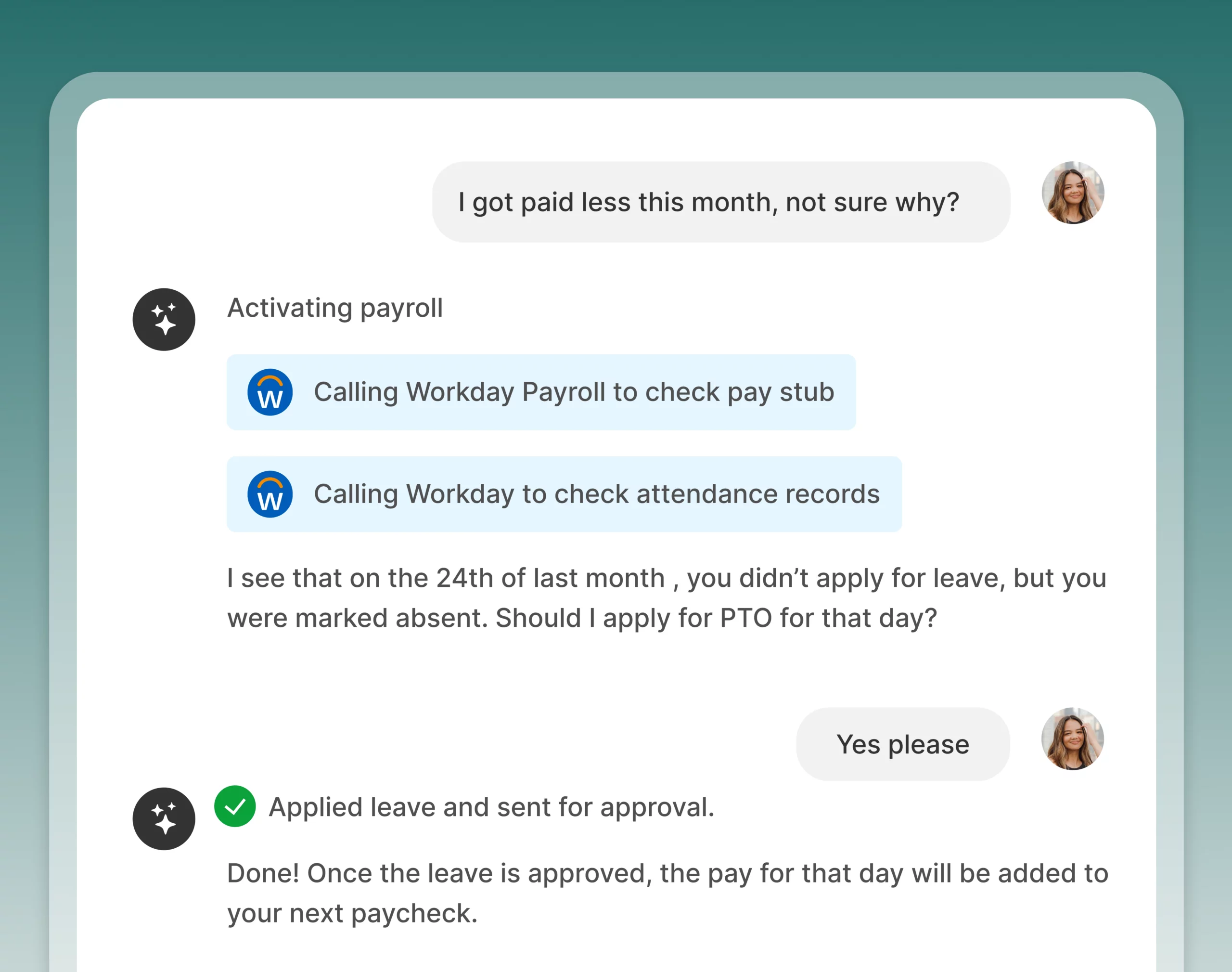
Reports shared that nearly half of workers are affected by payroll errors, and 53% of companies have incurred payroll penalties in the last five years for non-compliance. Companies spend approximately 20 hours a month managing payroll in-house.
- Automated payroll systems can reduce payroll processing time
- Businesses using automated strategic payroll systems report fewer compliance issues
- Businesses using payroll software see 31% fewer error
What these AI agents for HR do:
- Answer employee payroll questions (paystub access, deduction questions, tax forms)
- Flag payroll errors before processing (duplicate entries, incorrect deductions, missing data)
- Track compliance across multiple jurisdictions for remote/global teams
- Provide real-time payroll insights for HR and finance leaders
- Automate tax withholdings, wage calculations, and direct deposits
- Generate compliance reports and audit trails
- Alert teams to regulatory changes affecting payroll
Systems agents connect to: Payroll systems (ADP, Gusto, Workday Payroll), HRIS, time tracking systems, benefits administration platforms, tax filing services, banking systems, compliance tracking tools
Getting started:
- Week 1: Document your current payroll error rate and time spent on payroll-related questions.
- Week 2: Implement AI-powered error detection and employee self-service for paystubs.
- Week 3: Connect compliance monitoring for multi-state/multi-country teams.
- Month 2: Measure error reduction and time savings in payroll administration.
Each payroll error costs companies an average of $291 to remedy. AI agents catch errors before they become problems and give employees instant answers, eliminating the “when will I get paid?” panic emails.
5. Performance management and review coordination agent
Upwards of 60% of managers say they’re unhappy with their current performance management systems, and 90% of HR leaders admit these reviews fail to accurately reflect employee contributions. Managers miss deadlines, HR teams chase submissions, and review cycles feel chaotic.
- Companies adopting continuous feedback see higher employee engagement
- AI-powered performance tracking reduces HR workload by 50%
- Companies using AI tools are twice as likely to excel in performance management
What these AI agents for HR do:
- Remind managers of review deadlines and chase overdue submissions
- Synthesize feedback from multiple sources (peers, direct reports, self-assessments)
- Draft performance review summaries highlighting accomplishments and development areas
- Identify patterns in performance data across teams
- Generate development plans with specific, actionable recommendations
- Track goal progress and send proactive check-in reminders
- Surface calibration data for fair, consistent evaluations
Systems performance management agents connect to: Performance management systems (Lattice, Culture Amp, 15Five, Betterworks, Workday Performance), HRIS, survey tools (Qualtrics), communication platforms (Slack, Teams), document storage (Google Drive, SharePoint)
Getting started:
- Week 1: Calculate your current review completion rate and average time to completion.
- Week 2: Pilot AI-generated reminders and deadline tracking for one review cycle.
- Week 3: Use AI to synthesize multi-source feedback for selected roles.
- Month 2: Expand to automated development plan generation and continuous feedback check-ins.
Reviews happen on time with complete data. Managers spend less time on paperwork and more time on meaningful coaching conversations. Employees receive actionable feedback instead of vague platitudes.
6. AI agent for talent analytics and retention intelligence
51% of employees are actively looking for different employment, and only 30% feel connected to their company’s mission/purpose. Nearly three-quarters of employees are open to new opportunities, with 29% actively looking to change jobs. HR teams are drowning in data but can’t identify who’s at risk of leaving or what interventions actually work.
- AI systems can forecast employee departures with 95% accuracy
- Predictive AI can anticipate employee turnover with 87% accuracy
- AI-powered internal mobility tools reduce attrition by 35%
What these AI agents for HR do:
- Analyze patterns in engagement scores, performance data, tenure, and behaviors to predict flight risk
- Identify systemic issues driving turnover across teams or departments
- Recommend targeted interventions (compensation adjustments, development opportunities, manager changes)
- Surface high-potential employees ready for promotion or new challenges
- Track retention metric trends and benchmark against industry standards
- Generate executive summaries connecting retention to business outcomes
- Provide managers with early warning signals and conversation starters
Systems talent analytics AI agents connect To: HRIS, performance management systems, engagement survey platforms (Culture Amp, Qualtrics), learning management systems, compensation platforms, internal mobility tools, exit interview data, communication platforms
Getting started:
- Week 1: Gather historical turnover data, exit interview insights, and engagement scores.
- Week 2: Implement predictive analytics to identify current flight risks.
- Week 3: Create retention dashboards for HR leaders and people managers.
- Month 2: Pilot targeted interventions for high-risk, high-value employees and measure impact.
70% of organizations will use AI to predict and prevent employee turnover by 2025. Your best people stay because you proactively address their needs before they update their LinkedIn profile.
Why these 6 vs. everything else?
Research shows these six areas deliver the highest ROI because they:
- Solve daily pain – Not occasional tasks, but problems consuming hours every single day
- Have measurable impact – Clear before/after metrics (time saved, costs reduced, satisfaction improved)
- Scale with your organization – Work for 50 employees or 5,000
- Connect to existing systems – Leverage data you already have in your HRIS, ATS, and other tools
- Free HR for strategic work – Automate the transactional so you can focus on transformational
What didn’t make the cut? Job description writing, employee handbook updates, training content creation—these are occasional tasks where AI can help, but they may not deliver the sustained, daily ROI that justifies dedicated AI agent investment. Use general AI assistants for those; invest in purpose-built agents for the six above.
Your first 30 days with AI agents
Week 1: Choose a starting point
Pick ONE use case based on your biggest pain point. If you’re drowning in employee questions → start with self-service. If hiring is chaotic → start with recruitment coordination. If onboarding is broken → start there.
Don’t try to do everything at once. Master one, measure impact, then expand.
Week 2: Prepare your foundation
- Document your current process – How long does it take? How many steps? Where are the bottlenecks?
- Identify your systems – What tools do you use today? What APIs are available?
- Baseline your metrics – Time spent, service requests volume, employee satisfaction, error rates
- Get stakeholder buy-in – Show leadership the ROI projections with the stats from this guide
Week 3: Pilot and iterate
- Start small – One department, one process, one specific pain point
- Test with friendly users – Find early adopters who’ll give honest feedback
- Measure everything – Track time saved, quality improvements, user satisfaction
- Iterate quickly – Fix issues, refine prompts, adjust workflows based on feedback
Week 4: Expand and optimize
- Share early wins – Show concrete metrics to build momentum
- Train your team – Not on AI theory, but on specific workflows and use cases
- Document best practices – Create templates and playbooks for future use
- Plan your next use case – Based on lessons learned and ROI achieved
Common mistakes to avoid
Mistake #1: Starting with low-impact use cases Job description writing sounds appealing, but you write JDs occasionally. Employee questions happen 50 times per day. Follow the ROI.
Mistake #2: Trying to boil the ocean Don’t build “an AI-powered HR department” on Day 1. Pick one problem, solve it well, measure results, then expand.
Mistake #3: Ignoring change management Your team needs to trust AI agents. Start with transparency about what they do and don’t do. Show time savings, not job replacement.
Mistake #4: Not measuring impact “It feels like it’s helping” isn’t enough. Track specific metrics: service requests reduced, hours saved, satisfaction improved, errors caught.
Mistake #5: Treating AI as set-it-and-forget-it AI agents need monitoring, refinement, and updates as your policies and processes change. Plan for ongoing maintenance.
Privacy, security, and compliance
When implementing AI agents in HR:
Data Governance:
- Remove PII (personally identifiable information) before training custom models
- Never share SSNs, medical information, or sensitive personal data with AI systems
- Ensure your AI provider has SOC 2, GDPR, and relevant compliance certifications
- Understand where your data is stored and who has access
Human oversight:
- AI agents should recommend and assist, not make final decisions on hiring, promotions, or terminations
- Always have HR professionals review AI-generated performance feedback and compliance guidance
- Maintain audit trails of AI recommendations and human decisions
Employee communication:
- Be transparent when employees are interacting with AI agents vs. humans
- Explain how AI agents use employee data and what privacy protections exist
- Allow employees to escalate to human HR professionals when needed
Legal review:
- Have legal counsel review any AI-generated content related to employment decisions
- Ensure AI agents don’t inadvertently create compliance issues or discrimination risks
- Stay current on AI employment regulations in your jurisdictions
Measuring success: your HR AI agent scorecard
Track these metrics to quantify AI agent impact:
Efficiency metrics:
- Time saved per HR team member per week
- Reduction in average response time to employee inquiries
- Decrease in time-to-hire or time-to-onboard
- Hours reclaimed from manual, repetitive tasks
Quality metrics:
- Error reduction in payroll, onboarding, or compliance processes
- Improvement in employee satisfaction scores
- Increase in manager performance review completion rates
- Consistency improvements across HR processes
Cost metrics:
- Reduction in external vendor spending (recruiting agencies, payroll services)
- Decreased cost per hire
- Lower turnover costs from improved retention
- Avoided penalties from compliance errors
Strategic impact:
- Increase in HR time spent on strategic vs. transactional work
- Improvement in employee engagement scores
- Better quality of hire metrics
- Enhanced employer brand and candidate experience ratings
Target: Within 3 months, aim for 20-30% time savings in your chosen use case. Within 6 months, demonstrate measurable cost savings or revenue impact to justify expansion.
Bottom line
AI agents won’t replace HR professionals. But HR professionals who master AI agents will dramatically outperform those who don’t.
The question isn’t whether to start—it’s what you’ll do with the 10+ hours per week you’ll reclaim.
This week: Pick your highest-pain use case from the six above.
Next week: Pilot it with one team or process.
In 30 days: Show measurable impact and plan your expansion.
In 6 months: You’ll wonder how you ever did HR without AI agents handling the repetitive work while you focus on what actually requires human judgment, empathy, and strategic thinking.
The research is clear. The ROI is proven. The time is now.
Based on research from Deloitte, Gartner, IBM, Microsoft, SHRM, and leading HR technology providers. As AI capabilities evolve rapidly, revisit these use cases quarterly to capture new opportunities.
Related Articles