
8 Best Zapier alternatives in 2026
Zapier built the modern automation category. And for millions of teams, it still works. But we still see a meaningful number of teams actively migrating off it. Not because Zapier is broken, but because their needs have outgrown what it was designed for.
The bill is the most common trigger. Zapier’s task-based pricing model charges per action, and costs compound quickly once you’re running multi-step workflows at real volume. A team running 50,000 tasks per month on Zapier can easily find themselves paying five to ten times what they’d pay on an equivalent alternative. The second trigger is AI. Zapier has added AI features, but it was designed as a “trigger, then action” platform. Teams that now want to build LLM-orchestrated workflows, multi-agent pipelines, or retrieval-augmented generation (RAG) systems find that bolted-on AI features don’t get them very far. The third trigger is data control. Regulated industries, GDPR-sensitive organizations, and companies that have been burned by a vendor incident all want to understand exactly where their data flows.
This guide covers 8 serious alternatives in depth: DronaHQ, n8n, Make, Vellum, Microsoft Power Automate, Pipedream, Gumloop, and Composio. For each one, you’ll find real workflow walkthroughs, an honest read on where it outperforms Zapier, where it doesn’t, and a migration complexity score to help you estimate the effort of switching.
One more thing before we dive in: Zapier is still the right answer for some teams, and we’ll tell you when.
TL;DR: Quick Picks by Situation
| If you need… | Best pick |
| Enterprise AI agent orchestration with execution infrastructure | DronaHQ |
| Self-hosted, high-volume, developer-grade workflows | n8n |
| Complex branching logic at a fraction of Zapier’s cost | Make |
| AI pipeline development with evals and observability | Vellum |
| Microsoft 365 / Teams / SharePoint automation | Power Automate |
| Event-driven, API-first developer workflows | Pipedream |
| AI workflows built by non-technical business teams | Gumloop |
| AI agents that need authenticated access to 500+ tools | Composio |
How to choose the right Zapier Alternative in 2026
Start from your trigger, not the tool
Before evaluating any tool, identify which specific Zapier limitation is actually costing you. The answer changes your shortlist dramatically.
- “Our Zapier bill exploded” means you need cost-efficient pricing at volume. Make and n8n are the most direct answers. Make gives you roughly 13x more operations per dollar than Zapier at comparable plan tiers. n8n’s self-hosted tier eliminates per-execution pricing entirely.
- “We need better debugging and observability” means Zapier’s pass/fail status and basic logs aren’t cutting it. n8n lets you replay individual nodes and inspect the data payload at each step. Make shows execution history per route. If you’re running workflows that touch customer data or financial records, this visibility difference is significant.
- “We’re building AI workflows, not just zaps” means you need a platform where AI is architecturally native, not an add-on. That shortlist includes Vellum (for structured AI pipeline development with testing), n8n (for LangChain-native multi-agent workflows), Gumloop (for non-technical teams building AI automations), or Composio (for developers giving agents authenticated tool access).
- “We need to deploy AI agents that act inside real business systems” points to DronaHQ. When agents need to query databases, update CRMs, trigger approval workflows, and interact with humans in a structured UI, you need an execution and orchestration layer that agent frameworks alone don’t provide.
Six dimensions for evaluating alternatives
When evaluating any alternative, score it on these six dimensions before committing to a trial:
- Who can build and maintain this? Some tools require JavaScript knowledge for anything beyond a basic flow. Others are genuinely no-code. Know your team before evaluating the tool.
- Integration coverage and extensibility. Zapier’s integration library is a real moat. Most alternatives cover the 200-1000 apps that 95% of teams actually use, but if your stack includes obscure SaaS tools, verify coverage before migrating.
- AI and agent capabilities. Is AI bolted on or architecturally native? Can you build agent loops, memory, tools, and multi-model routing, or can you only call GPT-4 as a step?
- Observability and error handling. What happens when a workflow fails at step 6 of 12? Can you inspect the exact payload, retry from that step, and get alerted before your users notice?
- Hosting and data control. Cloud-only means trusting the vendor with your data. Self-hosted means you own it but also own the ops. VPC deployment is the middle ground most enterprises want.
- Cost behaviour as you scale. The pricing that looks cheap at 1,000 tasks/month may be ruinous at 100,000. Model out your realistic usage before assuming savings.
Snapshot comparison
| Tool | What it is | Best for | Ideal user | Pricing posture |
| DronaHQ | Enterprise AI agent orchestration and execution platform | Teams deploying AI agents against real business systems | Engineering teams, enterprise IT | Mid-market to enterprise |
| n8n | Self-hostable, developer-grade workflow automation | High-volume, data-sensitive, custom workflows | Developers, DevOps | Startup to enterprise, strong free/self-hosted tier |
| Make | Visual workflow builder with complex branching logic | Ops teams needing power at lower cost than Zapier | Ops, technical non-devs | 13x more ops/dollar vs Zapier at mid-tier |
| Vellum | AI workflow and agent development platform | Building, testing, and deploying production AI pipelines | AI/ML engineers, product teams | Enterprise-leaning |
| Power Automate | Microsoft-native automation with RPA capabilities | Microsoft 365 / Azure / Teams environments | IT, enterprise ops | Bundled in M365, pay-as-you-go for premium |
| Pipedream | Developer-first, event-driven workflow platform | API-heavy, event-driven backend automation | Developers, engineers | Generous free tier, usage-based |
| Gumloop | AI workflow builder for non-technical teams | Business teams building AI automations visually | Operations, GTM, non-devs | Subscription, LLM costs bundled |
| Composio | Integration backbone for AI agents | Developers building agents with authenticated tool access | AI engineers, backend devs | Usage-based, free for prototyping |
Top Zapier Alternatives compared and reviewed
DronaHQ
What DronaHQ Is and Who It’s For
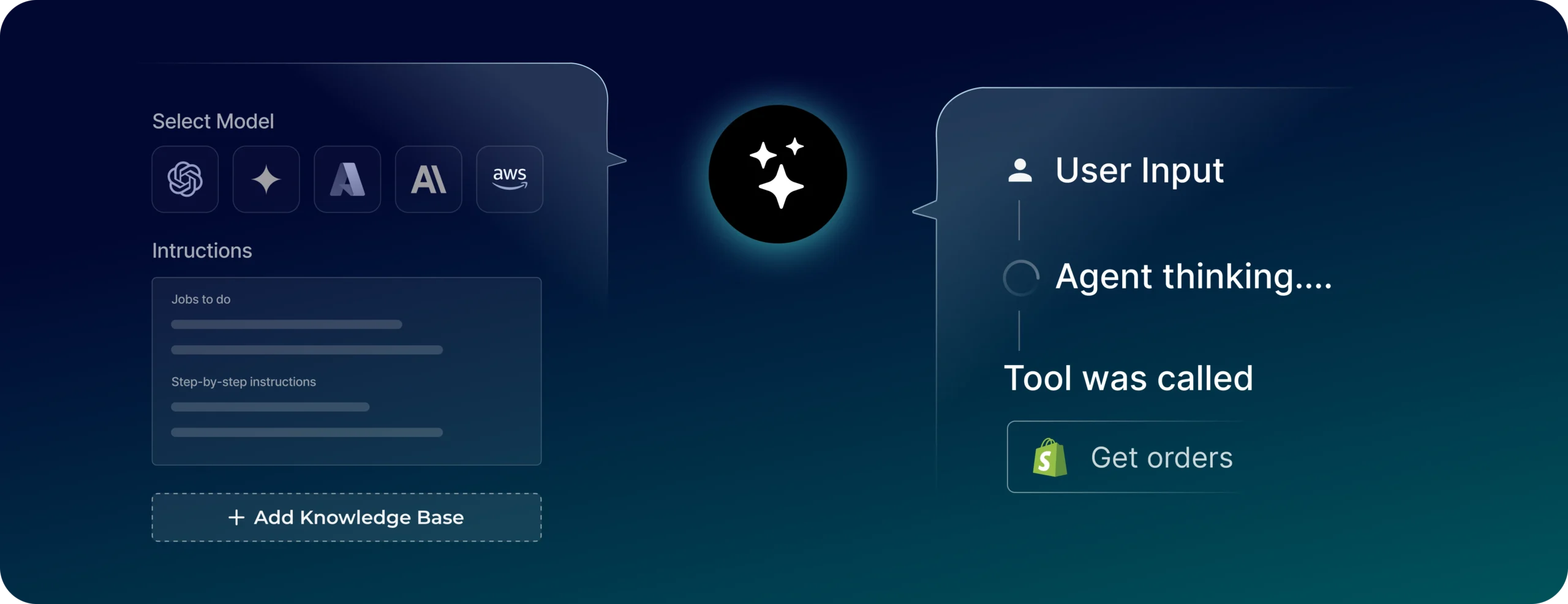
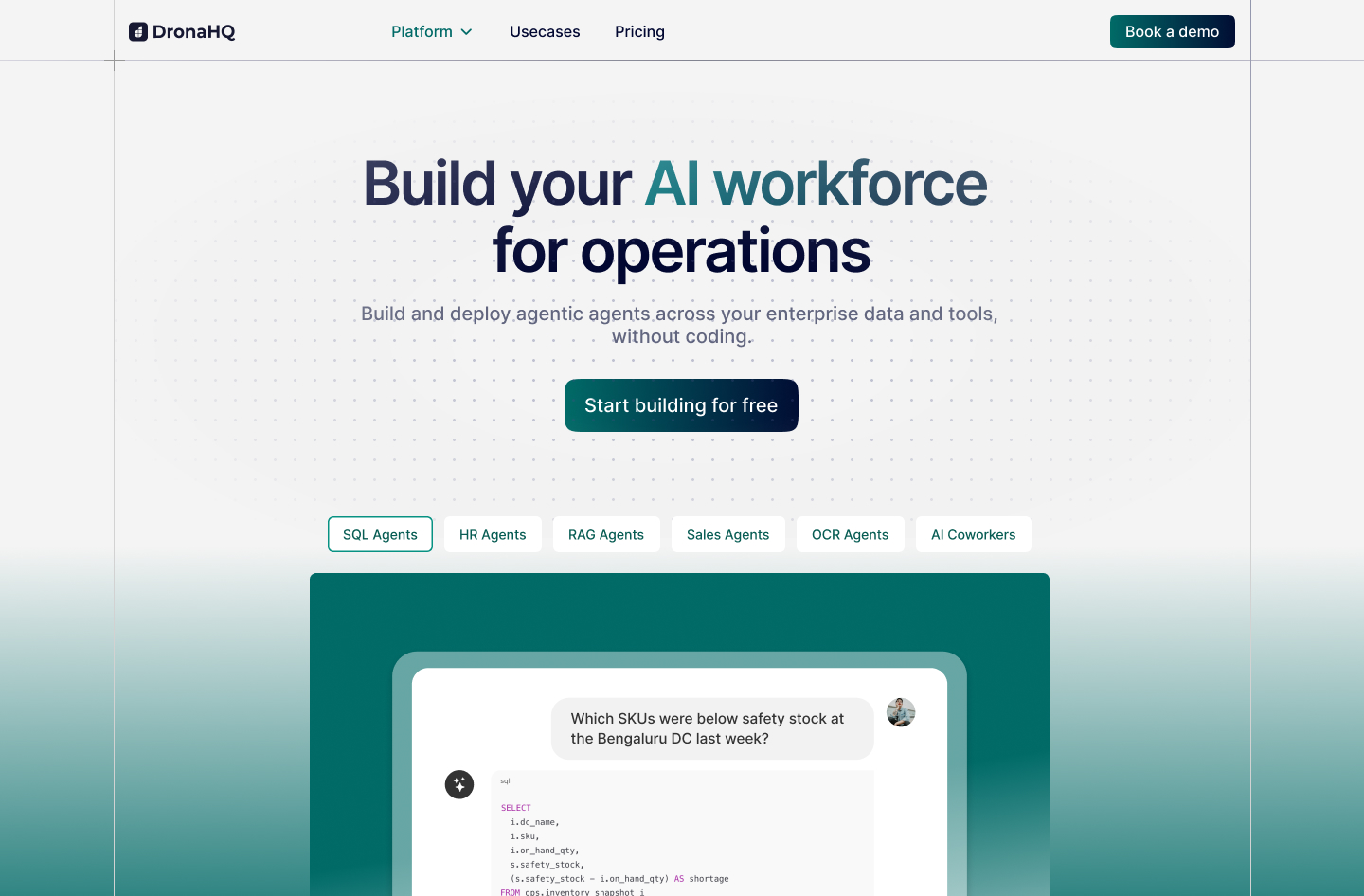
DronaHQ is the orchestration and execution layer for enterprise AI agents. It occupies a specific gap in the agent stack that most automation platforms and agent frameworks leave unfilled: the application layer where agents actually do work inside business systems, running approvals, triggering workflows, updating records, interacting with humans, and logging everything.
Most agent frameworks like LangChain, LangGraph, and AutoGen are excellent reasoning engines. They handle planning, memory, and tool selection. What they don’t provide is the production infrastructure around that reasoning: managed integrations, structured UI for human-in-the-loop steps, enterprise authentication, observability, and governance controls. DronaHQ provides exactly that layer, without requiring teams to build it themselves.
The teams using DronaHQ are engineering teams at mid-market to enterprise companies that want to deploy AI agents against real business systems, including ERPs, CRMs, databases, and internal APIs, without constructing the surrounding infrastructure from scratch.
Where DronaHQ Improves on Zapier
Zapier is a trigger-action automation platform. DronaHQ is an agent orchestration and execution platform. These solve adjacent but architecturally distinct problems.
- Agent configuration without code. Instead of writing LangChain or LangGraph code to define agent behavior, DronaHQ provides an Admin Console where you configure the agent’s goal, persona, reasoning constraints, and iteration limits in plain English. The platform is model-agnostic: you switch between GPT-4o, Claude, or Gemini without rewriting any logic.
- Zero-trust tool access via Skills. The hardest part of building agents in practice is defining JSON schemas for tool calling and managing authentication securely. DronaHQ eliminates both problems. Any database or API already connected to DronaHQ (SQL, Salesforce, Slack, internal REST APIs) is instantly exposable to an agent as a “Skill.” DronaHQ handles schema translation, OAuth and credential management, and token security. The agent only sees the tools it is permitted to use. Credentials never leak into the LLM’s context window.
- Native RAG without a separate pipeline. Rather than standing up a separate LlamaIndex or Pinecone setup, DronaHQ’s Agent Builder lets you upload PDFs, Word documents, or connect live data sources directly. The platform manages embedding, chunking, and vector storage natively.
- Built-in observability. Every agent run is fully traceable. The LLM’s reasoning, the tool called, the response payload, and step timing are all captured natively. Guardrails and accuracy checks run within the agent lifecycle. If an agent fails, you inspect the exact trace and replay it in the platform’s sandbox. No exporting to a third-party observability tool required.
- RBAC and audit governance. You control which agents have access to which tools. Every action taken by an agent on your behalf is logged, a requirement for any enterprise deploying agents against systems of record.
Real Workflow Example: Intelligent Support Escalation Agent
Trigger: Incoming email to support inbox
Agent reasoning step: Parse email intent, extract account ID, classify urgency
Skill call 1: Query CRM (Salesforce) to retrieve account tier, open tickets, and recent activity
Skill call 2: Query internal database to check SLA status for this account tier
Agent decision: If enterprise account plus SLA breach risk, escalate. Otherwise, auto-respond.
Skill call 3 (escalation path): Create high-priority ticket in ticketing system and notify account manager in Slack
Skill call 4 (auto-response path): Generate personalized reply using RAG against knowledge base, send via email API
Observability: Full trace logged, covering every tool call, every reasoning step, response times, and outcome
This agent reads email, queries two systems, makes a conditional decision, and takes action in three more systems, all without a human in the loop unless the escalation path is triggered. The credentials for Salesforce, the database, and the email API are managed by DronaHQ. The agent never has direct access to them.
When Zapier or Others Might Be Simpler
If your need is simple trigger-action automation, such as “when a form is submitted, create a row in a spreadsheet and send an email,” DronaHQ is more platform than you need. Zapier, Make, or n8n will get you to a working automation faster for purely linear, non-agentic workflows. DronaHQ’s value is specifically in the agentic layer: multi-step reasoning, dynamic tool selection, human-in-the-loop orchestration, and enterprise governance around agents taking real action in production systems.
n8n
What n8n Is and Who It’s For
n8n is a workflow automation platform built for developers and technical teams who want control over where and how their automations run. It can be self-hosted on your own infrastructure (giving you complete data sovereignty) or run in n8n’s managed cloud. Its node-based visual editor is paired with genuine code flexibility. You can drop into JavaScript or Python at any node, install npm packages, call external scripts, and build custom nodes.
The community edition is available at no cost when self-hosted. The cloud offering starts at 20 euros per month for 2,500 workflow executions, with all plans including unlimited users, unlimited workflows, and access to all integrations. That pricing structure is deliberately designed to avoid Zapier’s per-task penalty on complex workflows.
Where n8n Beats Zapier
- Pricing at scale. n8n charges per workflow execution, not per individual action step. A 12-step workflow that runs 1,000 times costs the same as a 2-step workflow that runs 1,000 times. Zapier charges per action, so the 12-step workflow costs 6x more.
- Self-hosting and data sovereignty. Zapier is cloud-only, processing data on US-based AWS servers. Organizations with GDPR obligations, HIPAA requirements, or internal data governance mandates can self-host n8n entirely within their own infrastructure. No data ever leaves the building.
- Developer-grade observability. n8n lets you replay individual steps with actual payload data, inspect the exact inputs and outputs at each node, and set up custom alerting. Zapier’s task history shows you whether a Zap succeeded or failed. n8n shows you why it failed and lets you fix and replay it without re-triggering the whole workflow from the start.
- AI-native architecture. n8n has 70+ AI-specific nodes including native LangChain integration, support for OpenAI, Anthropic Claude, Google Gemini, Ollama (local models), Hugging Face, and vector databases. The AI Agent node supports multi-step reasoning, tool use, and retrieval-augmented generation natively.
Real Workflow Example: Fintech Compliance Monitoring
Trigger: New transaction exceeds a threshold in the payments database (webhook)
Step 1: Fetch customer profile from internal CRM via HTTP request
Step 2: Run transaction against sanctions list API
Step 3: Code node (JavaScript) to apply custom scoring logic based on account history
Step 4: If risk score is above 70, create case in compliance management system via API
Step 5: Post structured alert to internal Slack channel with transaction details
Step 6: Log full audit trail to internal database
This workflow handles sensitive financial data that cannot leave the company’s infrastructure. It uses custom JavaScript logic that Zapier’s sandboxed code step, with its 30-second timeout and 256MB memory cap, could not accommodate. Running self-hosted on n8n, the entire pipeline runs on-premises with no external data exposure.
When Another Tool Might Be Better
n8n’s learning curve is real. Business users without JavaScript or API experience will struggle with anything beyond basic workflows. If your automation needs live entirely in the no-code zone and your team has no engineers, Make or Gumloop will serve you better. If you’re in a Microsoft-heavy environment, Power Automate has deeper native integration. n8n’s 1,000+ integrations, while deep and extensible, is a fraction of Zapier’s 8,000+. Verify your key integrations before migrating.
Make
What is Make and who is it for?
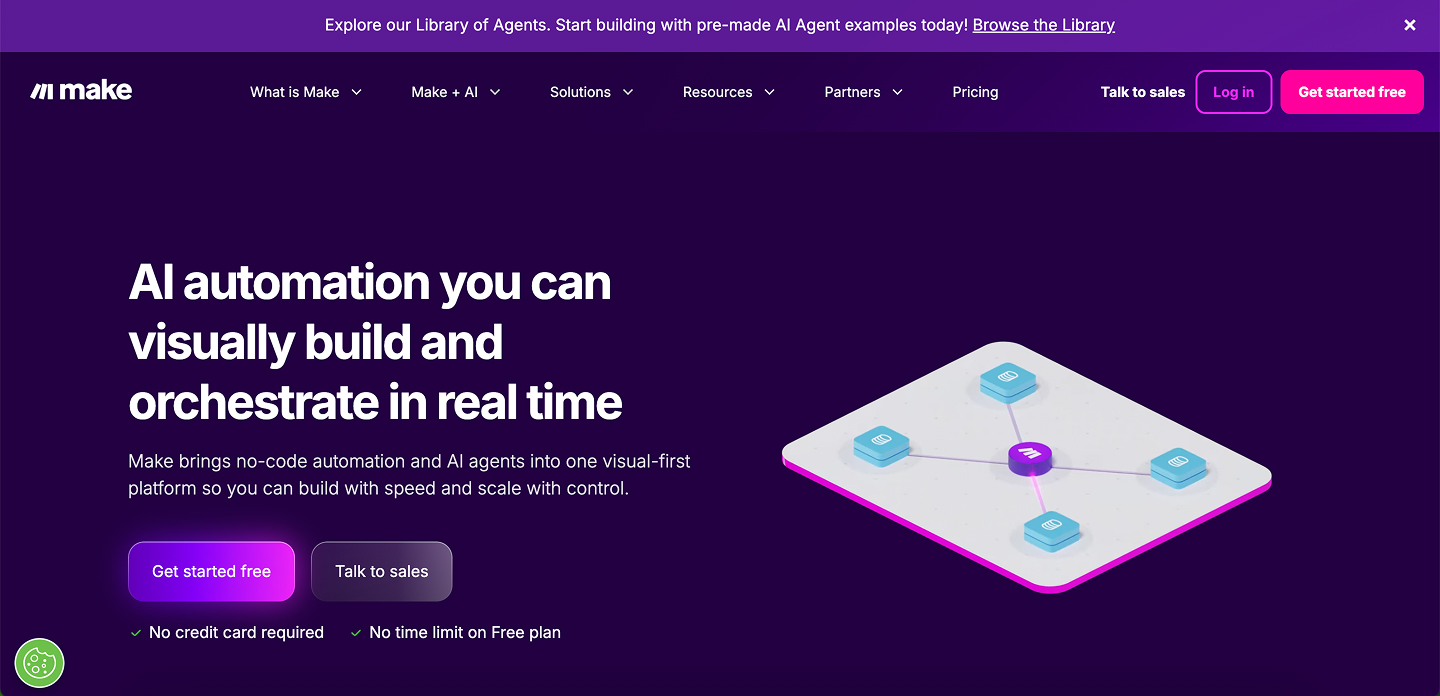
Make (formerly Integromat) is the visual workflow automation platform most often described as “the power user’s Zapier.” Its infinite-canvas scenario builder shows your entire workflow, including branches, loops, error handlers, and data transformations, on a single visual map. It’s more complex to learn than Zapier but far more capable once you do.
Make’s target user is the technically inclined ops manager, the RevOps engineer, or the no-code builder who has bumped into Zapier’s ceiling. You don’t need to write code to use Make effectively, but you do need to understand automation concepts like variables, iterators, aggregators, and conditional routing.
Where Make Beats Zapier
- Cost per operation. Make provides roughly 13x more operations per dollar compared to Zapier at mid-tier plans. A Make Core plan at $9/month gives you 10,000 operations. The Zapier Starter plan at $19.99/month gives you 750 tasks. For high-volume workflows, this difference is decisive.
- Unlimited workflow complexity. Make scenarios can have an unlimited number of steps and unlimited routes that branch as many times as needed. Zapier caps Zaps at 100 steps and limits Path branching to 10 branches with a maximum of three nested levels. For complex, multi-path business logic, Make simply doesn’t hit walls that Zapier does.
- Superior data manipulation. Make includes native iterators (to process each item in a list), aggregators (to merge data from multiple branches), JSON/XML parsing, array manipulation, and advanced error routing. Operations that require breaking a Zapier workflow into three separate Zaps and a formatter can usually be accomplished in one Make scenario.
- Note on pricing math: Make counts triggers as operations while Zapier does not. For high-frequency polling automations that check for new data every few minutes, Make’s apparent cost savings can narrow significantly. Model your specific workflow pattern before assuming Make is always cheaper.
Real Workflow Example: E-Commerce Order Fulfillment Routing
Trigger: New order webhook from Shopify
Router 1: Check order value
- Branch A (above $500): Route to premium fulfillment warehouse API
- Branch B ($50 to $500): Route to standard warehouse API
- Branch C (below $50): Route to dropship supplier API
Iterator: For each line item in the order
- Update inventory record in Airtable
- Check stock availability
- If stock is low: Create reorder task in project management tool
Aggregator: Compile fulfillment confirmation data
Action: Send order confirmation email with real carrier data
Error handler: If any warehouse API fails, create a manual intervention task and send a Slack alert
This workflow would require multiple separate Zaps and a custom formatter in Zapier. In Make, it’s a single scenario that is visible, debuggable, and maintainable by one person.
Make’s limitations
Make’s visual complexity can become a liability when scenarios grow very large. There’s no built-in self-hosting option, which rules it out for strict data sovereignty requirements. For AI-first workflows, Make has AI connectors but lacks n8n’s depth of LangChain integration. For Microsoft-centric organizations, Power Automate’s native connectors will always be deeper.
Vellum
What Vellum Is and Who It’s For
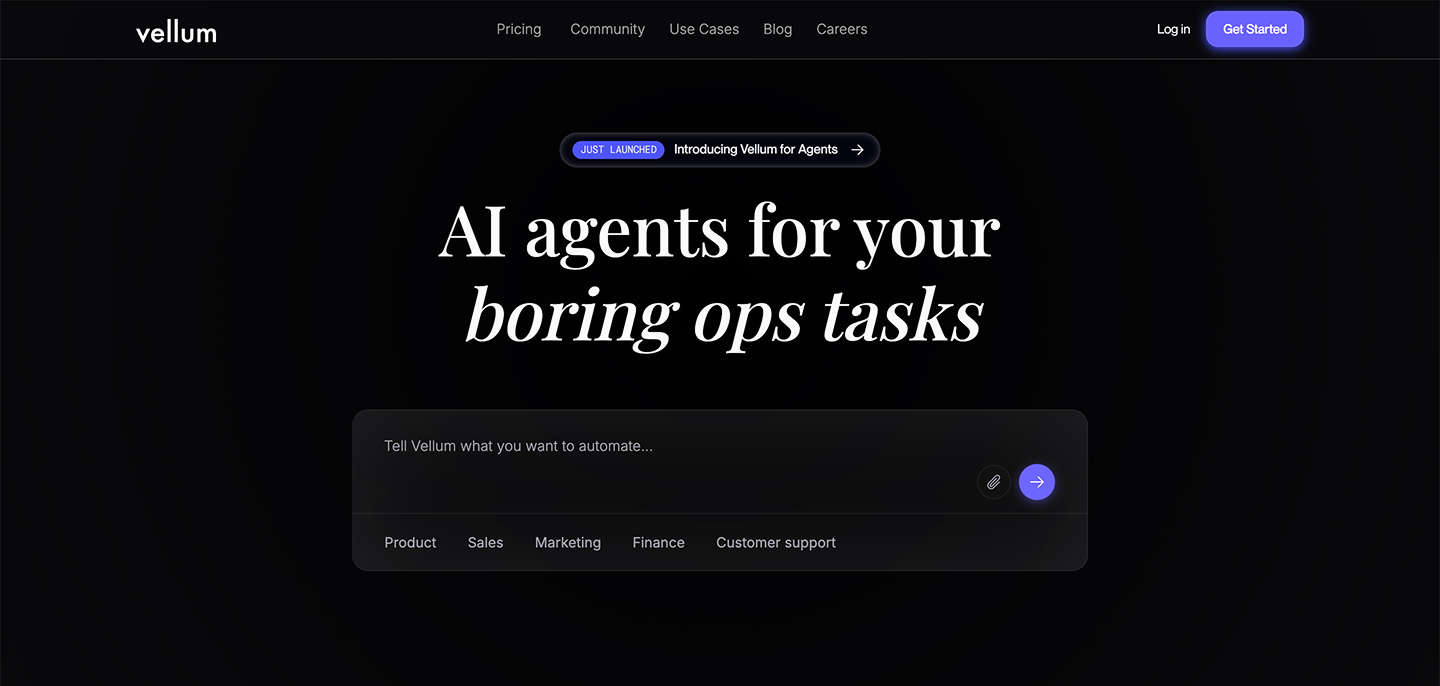
Vellum is an AI workflow and agent development platform, and it belongs in a different mental category than the other tools in this list. It’s not a Zapier replacement in the traditional sense. It doesn’t replace the workflow that moves your CRM data around. It’s the platform you choose when you’re building AI-powered products and need the full lifecycle: experimentation, prompt engineering, testing, deployment, evaluation, and monitoring.
The teams using Vellum are AI engineers and product teams building things like customer-facing chatbots, internal AI assistants, document processing pipelines, and RAG systems. Vellum is used in production at companies like Redfin, Ogilvy, Brilliant, and Ashby.
Where Vellum Beats Zapier for AI-Heavy Work
Zapier can call an LLM API. That’s about where its AI capability ends in any meaningful sense. Vellum is designed around the full complexity of AI system development.
- Prompt versioning and A/B testing. Change a prompt, test it against a dataset, compare outputs, and deploy the winner without touching code. Zapier has no equivalent.
- Evaluation and regression testing. Before you deploy a new version of an AI workflow, run it against a test set and ensure it doesn’t regress on the scenarios that were previously passing. This is table-stakes software engineering practice, and Zapier provides nothing for it.
- Production observability. Vellum logs every LLM call with token counts, latency, and output quality scores. When an AI workflow starts producing bad outputs in production, Vellum gives you the data to diagnose why.
- Multi-agent orchestration. Vellum’s Agent Builder supports multi-agent systems where specialized sub-agents handle different parts of a workflow, with MCP (Model Context Protocol) support for giving agents tool access.
Real Workflow Example: Legal Contract Review Pipeline
Input: New contract PDF uploaded to document management system
Step 1: Document parsing node to extract structured clauses from unstructured PDF
Step 2: Parallel LLM calls where Vellum routes to the best model per task type:
- Clause categorization prompt
- Risk flag identification prompt
- Missing clause detection prompt
Step 3: Aggregation node to compile findings into structured report
Step 4: Evaluation node to score each finding’s confidence level
Step 5: If any finding is below confidence threshold, route to human review queue
Step 6: Approved findings generate a final review report and post to internal system
The entire prompt chain is versioned. The legal team can adjust prompts, run the new version against 50 historical contracts, compare accuracy, and deploy, all without engineering involvement.
When Another Tool Makes More Sense
If you don’t have AI workflows, Vellum is not the right tool. For standard SaaS automation such as syncing CRM data, managing support tickets, or triggering Slack notifications, Zapier, Make, or n8n will serve you better. Vellum has a technical learning curve and is enterprise-leaning in its pricing. Small teams doing simple AI experiments may find n8n’s LangChain integration or Gumloop’s visual AI builder more approachable.
Microsoft Power Automate
What Power Automate Is and Who It’s For
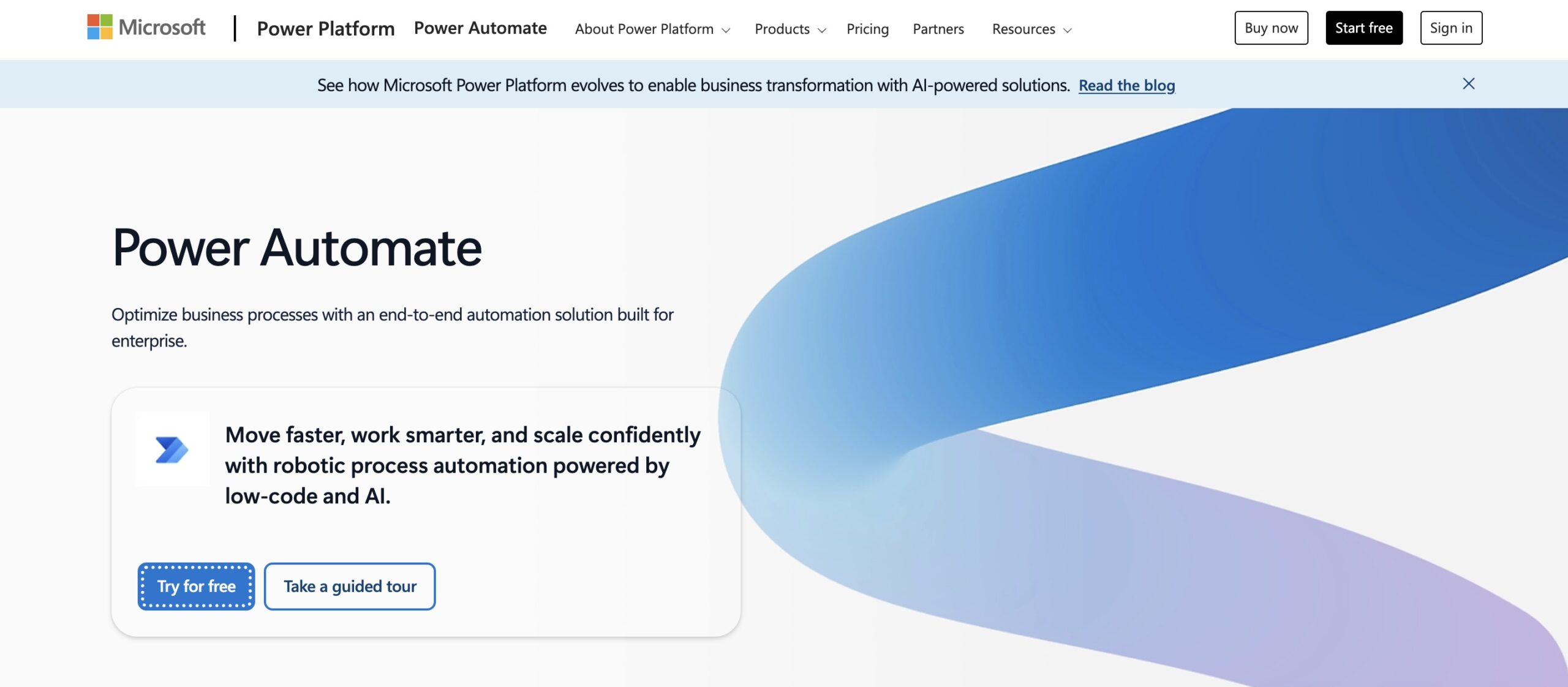
Microsoft Power Automate is the automation layer of the Microsoft Power Platform, deeply integrated with Teams, SharePoint, Outlook, Dynamics 365, Azure, and the rest of the Microsoft 365 ecosystem. If your organization runs on Microsoft, Power Automate should be your first stop. Many organizations already have it bundled into their M365 licensing without realizing it.
Power Automate handles two distinct automation types: cloud flows (trigger-action workflows similar to Zapier) and desktop flows (robotic process automation that can automate Windows applications and legacy systems without APIs). This RPA capability is something none of the other tools in this list offer natively.
Where Power Automate Beats Zapier
- Depth of Microsoft integration. Zapier can connect to Microsoft apps via connectors, but they’re surface-level. Power Automate has native, first-party integration with every part of the Microsoft ecosystem, including actions that simply don’t exist in any third-party connector. Moving data between SharePoint, Teams, Outlook, and Dynamics 365 is dramatically simpler.
- RPA for legacy systems. If your workflow involves legacy desktop applications such as an old ERP, a government portal, or a locally installed tool with no API, Power Automate’s desktop flows can automate them through UI interaction. No other tool in this comparison comes close.
- Bundled with existing M365 licensing. For many organizations, a significant portion of Power Automate’s capabilities are already paid for. The cost comparison with Zapier needs to account for this.
- Enterprise governance. In large organizations with IT governance requirements, Power Automate integrates with Entra ID (Azure Active Directory), supports DLP policies at the workflow level, and offers audit logging that meets enterprise compliance standards.
Real Workflow Example: Approval Workflow Across Teams and SharePoint
Trigger: New document uploaded to SharePoint contract library
Step 1: Extract metadata from document properties
Step 2: Determine approver based on contract value (lookup in SharePoint list)
Step 3: Create adaptive card approval request sent natively to approver’s Teams chat
Step 4: Wait for approval response (timeout: 72 hours)
- Approved: Update SharePoint document status, notify legal team via Teams channel
- Rejected: Return document to submitter with rejection reason, update status
- Timeout: Escalate to secondary approver automatically
Step 5: Log completed approval to compliance tracking list in SharePoint
This workflow lives entirely inside Microsoft’s ecosystem. No data leaves Microsoft’s infrastructure. The approval UI is native inside Teams with no external app required. Building this in Zapier would require third-party connectors, a separate approval tool, and external webhooks.
When Another Tool Is Better
Power Automate’s strengths are also its limitations. If you’re not heavily invested in the Microsoft ecosystem, the platform’s complexity and Microsoft-centric design become friction without benefit. Non-Microsoft SaaS connections exist but are often shallower than Zapier’s equivalents. For developer-grade custom workflows, n8n or Pipedream offer more flexibility. For AI-first workloads, Vellum or n8n’s LangChain integration are more capable.
Pipedream
What Pipedream Is and Who It’s For
Pipedream is an event-driven workflow automation platform built from the ground up for developers. It combines a visual workflow builder with full code flexibility. Every step can be a pre-built action or custom Node.js, Python, Go, or Bash code. Its serverless infrastructure handles OAuth, authentication, rate limits, and event queuing so developers can focus on logic rather than plumbing.
Following its acquisition by Workday in December 2025, Pipedream has strengthened its enterprise stability story while retaining the developer-first experience that made it popular. It handles billions of events and is trusted by teams at LinkedIn, Logitech, Scale, and Appcues.
Where Pipedream Beats Zapier
- Code-first flexibility without infrastructure management. Zapier’s code steps run in a highly restricted sandbox with a 30-second execution limit, 256MB memory cap, and strict rate limits. Pipedream’s code steps run in a full serverless environment with configurable memory, custom timeouts, and access to any npm or PyPI package. The difference is the gap between a scratch pad and a real runtime.
- Event-driven architecture for real-time workflows. Pipedream is built for high-frequency, real-time event processing. Its webhook triggers, event sources, and real-time log streaming are designed for the volume and latency requirements that Zapier’s polling-based model can’t match.
- Developer tooling. GitHub Sync for version-controlling workflows, VS Code integration, MCP server deployment, and step-level markdown documentation make Pipedream feel like a real engineering tool rather than a SaaS dashboard.
- AI development support. Pipedream has built-in “Create with AI,” “Edit with AI,” and “Debug with AI” capabilities, plus native MCP server support that lets AI assistants search Pipedream documentation and generate precise integration code.
Real Workflow Example: Real-Time SaaS Event Processing
Event source: GitHub webhook fires on every pull request merged to main
Step 1: Custom Node.js code to extract PR metadata, changed files, and author
Step 2: Call internal API to determine which Jira tickets are referenced in the PR
Step 3: For each referenced ticket, update Jira status to “In Review” via Jira API
Step 4: Send structured message to the relevant Slack channel with PR summary
Step 5: If PR contains changes to the /pricing path, trigger additional notification to product and marketing Slack channels
Step 6: Log event to internal analytics database via HTTP request
Total execution time: approximately 800ms. This workflow processes real-time GitHub events, routes conditionally based on file paths, and fans out to multiple systems. Zapier’s polling model, which checks for new events every 1 to 15 minutes depending on plan, would make this workflow functionally useless for the real-time engineering use case it serves.
When Another Tool Is Better
Pipedream is genuinely developer-centric. Non-technical business users will find it more intimidating than Make or Gumloop. If your workflows don’t require code, custom APIs, or real-time event processing, Zapier’s ease of use wins on pure simplicity. For AI pipeline development with testing and evaluation, Vellum is more purpose-built. For enterprise agent execution with governance, DronaHQ fills a gap Pipedream doesn’t.
Gumloop
What Gumloop Is and Who It’s For
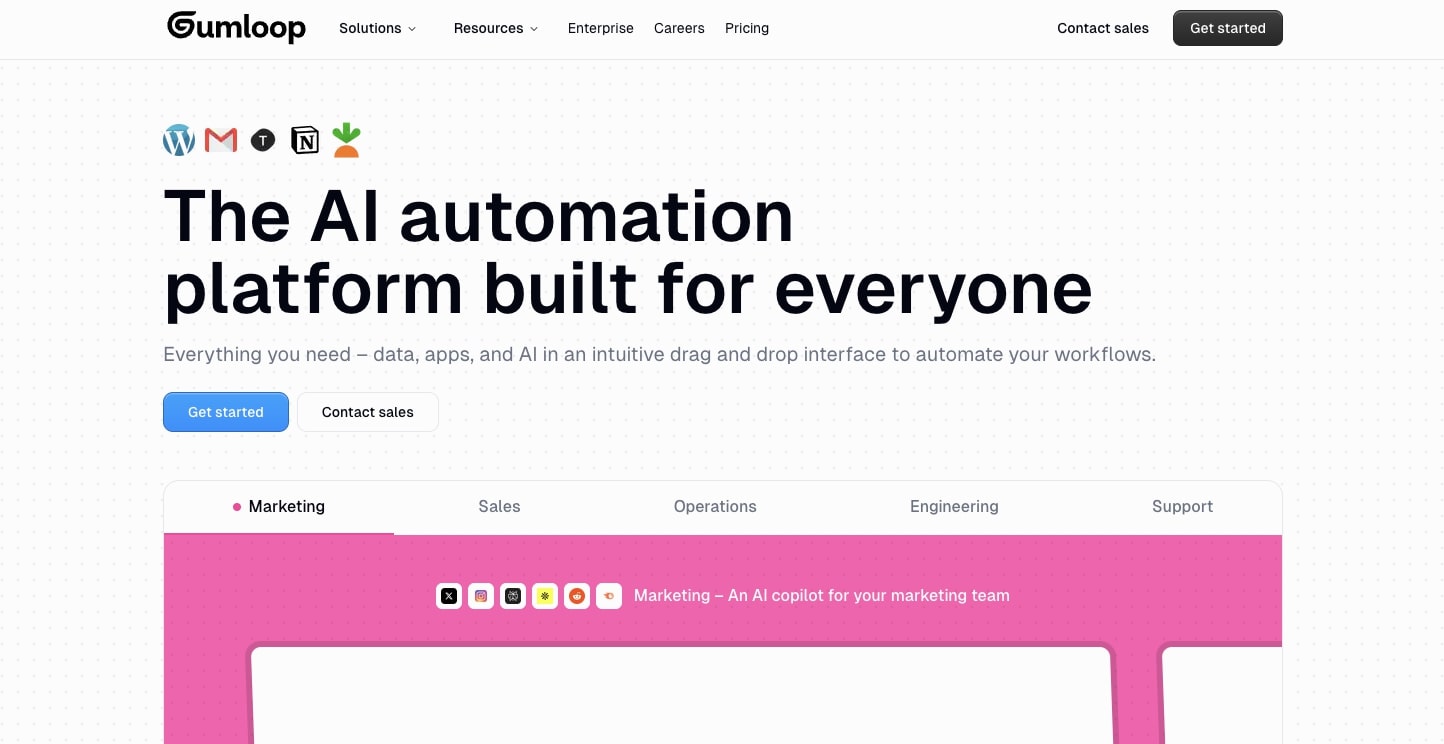
Gumloop is an AI workflow builder designed to make sophisticated AI automations accessible to non-technical business users. Its defining feature is a visual canvas where you connect nodes, including LLM prompts, web scrapers, data parsers, API calls, and file processors, into workflows that would otherwise require engineering resources to build. The platform’s AI assistant (“Gummie”) can generate workflows from natural language descriptions.
Gumloop’s sweet spot is the business analyst, content operations manager, or GTM professional who needs to build AI-powered workflows but doesn’t have a developer to help them.
Where Gumloop Beats Zapier
- AI-native design. Gumloop was built for AI workflows, not retrofitted. Its node library includes purpose-built blocks for prompt chaining, model routing, web search, PDF parsing, spreadsheet analysis, and multi-step AI reasoning. These are capabilities Zapier doesn’t natively offer.
- LLM cost bundling. Unlike Zapier (where LLM API costs are external) or n8n (where you manage your own API keys and billing), Gumloop bundles LLM usage costs into its subscription tiers. This simplifies budgeting for teams that don’t want to manage separate AI API billing.
- No-code AI complexity. Tasks that would require writing LangChain code in n8n or engineering a custom pipeline can often be accomplished in Gumloop by connecting nodes visually. For teams without AI engineering resources, this is a real capability gap being closed.
Real Workflow Example: Competitive Intelligence Digest
Trigger: Monday morning schedule (every week)
Step 1: Web scraper nodes to pull latest pages from 5 competitor websites
Step 2: PDF parser to extract text from any new whitepapers or press releases
Step 3: LLM node (Claude) to summarize each competitor’s recent changes and announcements
Step 4: LLM node to identify themes and strategic signals across all competitor summaries
Step 5: LLM node to format findings as an executive briefing with key takeaways
Step 6: Send completed briefing to Slack channel and email distribution list
No developer required. A marketing analyst built, tested, and deployed this in a single afternoon. The same workflow in n8n would require LangChain knowledge. In Zapier it simply isn’t possible without significant engineering scaffolding.
When Another Tool Is Better
Gumloop’s visual simplicity is also its ceiling. As workflows grow more complex, including conditional branching, stateful multi-turn agent loops, and integration with internal systems via custom APIs, users consistently report running into limitations. Its integration library is narrower than Zapier’s or n8n’s. For teams that need complex data control, self-hosting, or deep developer customization, n8n is the better long-term foundation. For pure automation without AI requirements, Make offers more complexity headroom at a lower price.
Composio
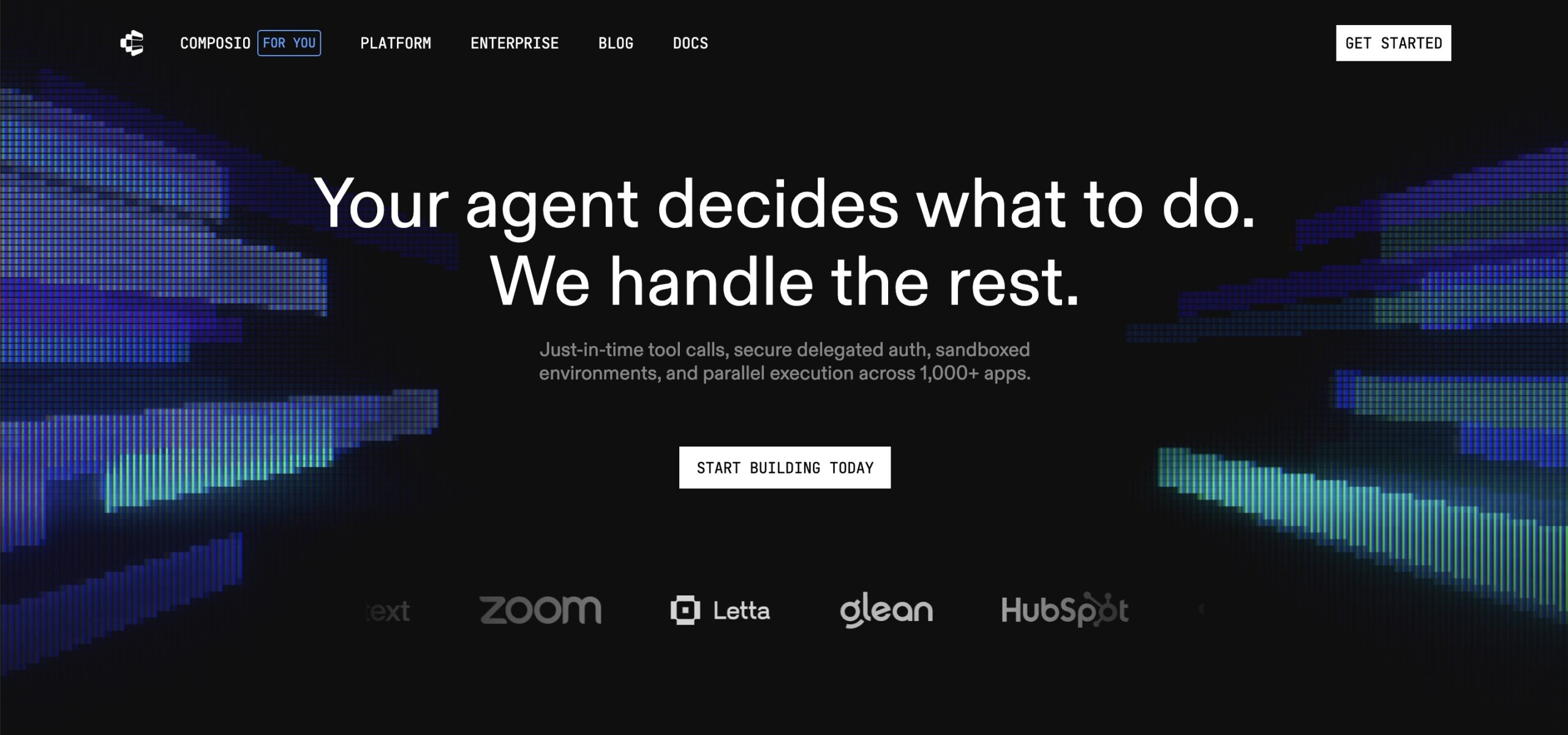
What Composio Is and Who It’s For
Composio is an integration backbone for AI agents. It solves a specific, high-friction problem: giving AI agents reliable, authenticated access to external tools and APIs. Anyone who has tried to build an AI agent that takes real action in the world, such as creating GitHub issues, sending emails, updating Salesforce records, or posting to Slack, knows that the hardest part isn’t the LLM. It’s managing OAuth flows, token refresh cycles, rate limits, and permission scoping for dozens of integrations simultaneously.
Composio handles all of that. It gives developers a unified SDK that connects agents to 500+ tools through a single authentication layer, with native MCP (Model Context Protocol) server support.
Where Composio Beats Zapier
- Built for agents, not trigger-action flows. Zapier is fundamentally a sequential automation tool: when X happens, do Y. Composio is built for agentic systems where an LLM decides what tools to call, in what order, based on context. These are architecturally different problems.
- Unified authentication management. Instead of managing OAuth credentials, token refresh logic, and API keys for every integration independently, Composio provides a single managed auth layer. This is a genuine engineering time-saver for developer teams building at scale.
- MCP-native integration. Composio’s native MCP server support means AI assistants and agents built on frameworks like LangChain, LlamaIndex, or AutoGen can discover and call tools through a standardized protocol without requiring custom connectors for each tool.
- Reliability at the integration layer. Composio’s developer-focused review found a 10/10 success rate across tool executions in real-world agent tests, not because the tools are simple, but because the authentication and API management layer is genuinely well-engineered.
Real Workflow Example: Developer Productivity Agent
User input to agent: “Review all open PRs from the last 48 hours, check which ones have been sitting without reviewer feedback, and nudge the assigned reviewers in Slack.”
Agent execution via Composio tools:
- GitHub tool call: list open PRs filtered by date
- GitHub tool call: for each PR, check review status and last activity
- Filter logic: identify PRs with no reviewer activity in 24+ hours
- Slack tool call: send personalized nudge message to each assigned reviewer
- Notion tool call: log nudge activity to team standup notes
No triggers. No predefined action sequences. The agent decides the execution path based on what it finds. Composio provides the authenticated access to GitHub, Slack, and Notion, handling OAuth, token management, and API error recovery invisibly.
When Another Tool Is Better
Composio is a developer tool. It requires understanding LLMs, agent frameworks, and API concepts. Non-technical users should look at Gumloop or DronaHQ. For standard linear workflow automation without AI agents, Composio is solving a different problem than you have. Make, n8n, or Zapier will serve you better.
Zapier still wins when…
It would be intellectually dishonest not to acknowledge where Zapier genuinely holds the advantage.
- When speed of setup is everything. No tool in this list matches Zapier’s time-to-first-working-automation for a non-technical user. The template library, the guided builder, and the 8,000+ integrations mean most simple automations take minutes. For a founder or small team with no dedicated ops person, this matters enormously.
- When your stack is long-tail SaaS. If you need to connect to obscure CRMs, niche marketing tools, or industry-specific software, Zapier’s 8,000+ integrations are a genuine differentiator. n8n has roughly 1,000 native integrations; Make has roughly 2,400. The gap closes with custom HTTP requests and webhooks, but that requires technical skill your team may not have.
- When business users need to build without IT. Zapier’s model of democratizing automation across non-technical teams is real. Its AI Copilot makes building automations from natural language descriptions genuinely accessible. If your goal is to remove yourself from the automation-building loop entirely and hand it to non-technical colleagues, Zapier is still the most mature platform for that.
How to safely migrate from Zapier
Step 1: Audit and Score Your Current Zaps
Before you migrate anything, export a list of all active Zaps and score each one across three dimensions.
Business criticality (1-3): Does this Zap failure immediately impact customers, revenue, or compliance? Score 3. Does it affect internal productivity only? Score 2. Nice-to-have automation? Score 1.
Migration complexity (1-3): Simple two-step trigger/action? Score 1. Multi-step with conditionals? Score 2. Complex logic with formatters, custom code, or error paths? Score 3.
Migration priority equals Criticality multiplied by Complexity. Migrate low-complexity, high-criticality Zaps first for quick wins with high value. Tackle high-complexity Zaps last, with more testing runway.
Step 2: Map Your Zaps to the New Tool’s Mental Model
Every platform has a different conceptual vocabulary.
| Zapier concept | n8n equivalent | Make equivalent |
| Zap | Workflow | Scenario |
| Trigger | Trigger node | Trigger module |
| Action step | Action node | Module |
| Filter | IF node | Filter/Router |
| Paths | Switch node | Router |
| Formatter | Set node / Code node | Built-in functions |
| Task history | Execution log | Scenario history |
The most common migration failure is reproducing Zap logic in the new tool without taking advantage of the new tool’s capabilities. A Zap that required three separate automations because of Zapier’s branching limits may be a single workflow in Make. Take time to redesign, not just replicate.
Step 3: Run in Parallel, Then Cut Over
For any Zap with a criticality score of 3:
- Build the replacement workflow but keep the original Zap active
- Run both in parallel for 48 to 72 hours using test events or shadow traffic
- Compare outputs and verify the replacement produces identical results
- Disable the Zap (don’t delete it) and monitor the replacement for 5 business days
- Delete the Zap once you’re confident
For business-critical automations, communicate the change to stakeholders before and after cutover. Automation failures tend to surface in customer-facing or revenue-impacting ways, and surprises are expensive.
Which alternative at which stage
- Early-stage startup, limited budget: Start with n8n self-hosted (free) or Make’s free tier (1,000 operations/month). Graduate to Make’s paid tiers before considering Zapier.
- Scaling ops team with 50+ automations: Make for standard workflows (cost efficiency), with DronaHQ if your team needs to deploy agents or manage complex human-in-the-loop processes.
- AI-heavy product team: Vellum for production AI pipelines with testing and evaluation. Gumloop for business team members who need to build AI workflows without engineering help. DronaHQ for teams deploying agents that act inside enterprise systems.
- Enterprise with IT governance requirements: Power Automate if you’re Microsoft-heavy. n8n enterprise (self-hosted or EU cloud) if you need data sovereignty without Microsoft lock-in. DronaHQ for enterprise agent deployments requiring RBAC, audit logs, and managed integrations.
This guide is published by DronaHQ. We’ve done our best to evaluate all tools honestly, including our own. If you find inaccuracies or want to challenge any assessment, reach out. We update this guide as tools evolve.
Related Articles