
Top document processing platforms for AI-ready and LLM-ready data
What is a document processing platform? AI-ready document processing platforms convert unstructured files into structured outputs (JSON, markdown, chunks, embeddings) usable by LLMs, RAG systems, and AI agents.
The document problem in AI has quietly changed. A few years ago, teams just wanted OCR that could pull text from PDFs and forms. Today, that is table stakes. The real need is turning messy files into outputs that LLMs, RAG pipelines, and AI agents can actually use. That means structure, layout, relationships, context, and reliability, not just extracted words in the right order. This is why a new layer of tools is getting attention. Some focus on parsing. Some on workflow-heavy document processing. Some are built for developers. Some are enterprise-first. What matters is how usable the output is once AI enters the workflow.
Why document processing matters more in the AI era
There is a real difference between a document a human can read and a document an AI system can work with. A person can look at a PDF and instantly understand that a table header applies to the rows below it, that a note in the margin changes the meaning of a field, or that an endorsement on page 47 changes the interpretation of a term on page 12. Most software cannot do that well unless the document has already been turned into something more structured.
That is why buyer language has shifted. Teams still search for OCR, document parsing, intelligent document processing, and AI document extraction. But the actual need usually sits one level higher. They want document outputs that can feed retrieval pipelines, agent workflows, validation logic, internal apps, and downstream systems without constant cleanup. They want LLM-ready data.
In practical terms, the category now includes more than classic intelligent document processing platforms. It also includes parsing-first products, open-source document conversion toolkits, and cloud document AI services that make files usable for AI agents, RAG, search, and workflow automation.
How to build an invoice processing AI agent? Learn more
What counts as a document processing platform for AI use cases
For this article, I am using a broader lens. A good document processing platform for AI use cases does more than extract text. It usually handles some combination of layout awareness, OCR, table understanding, schema extraction, chunking, classification, validation, or workflow support. It may be commercial software, a cloud API, or an open-source toolkit. The common thread is that it helps move a document from raw input to usable output.
Some teams need a parsing-first layer because their main problem is feeding high-quality inputs into RAG or agent systems. Some need workflow-heavy software because invoices, claims, forms, or onboarding packets do not stop at extraction. They move through review, validation, approvals, and system updates. Some want open-source flexibility because they are building a custom stack and care more about control than polished dashboards.
That is why it makes little sense to compare this category as if every product is solving the exact same problem. They are not. The useful question is simpler: what kind of document problem do you have, and how usable does the output need to be once AI enters the workflow?
How to evaluate document processing platforms for AI-ready output
- If your end goal is AI-ready data, the first thing to look at is output quality on real files, not happy-path demos. Complex PDFs, scans, tables, spreadsheets, slide decks, handwritten elements, and mixed document packets expose the difference between surface-level OCR and true document processing. A platform that handles invoices well may still struggle on multi-column research PDFs or dense insurance forms.
- The second thing is output format. JSON, markdown, structured chunks, citations, field-level confidence, reading order, and schema-aligned extraction are all more useful than a plain text blob. If the data is headed into a RAG stack, AI agent, or internal workflow, how the content is represented matters almost as much as whether it was extracted.
- The third is fit. Developer-first tools usually offer stronger APIs, more flexibility, and easier integration into custom AI stacks. Workflow-first products often do more for approvals, validation, review, and downstream handoff. Enterprise platforms tend to care more about auditability, governance, and security. None of those are automatically better. They are just different priorities.
- Finally, cost and operational effort matter more than many teams expect. A cheap parser that pushes a lot of cleanup into your application layer can become expensive fast. A powerful enterprise platform can also be too heavy for a small team that mainly needs clean markdown or JSON for RAG. The winner is rarely the tool with the biggest feature grid. It is the one that reduces the most downstream work.
Top document processing platforms for AI-ready and LLM-ready data
Reducto
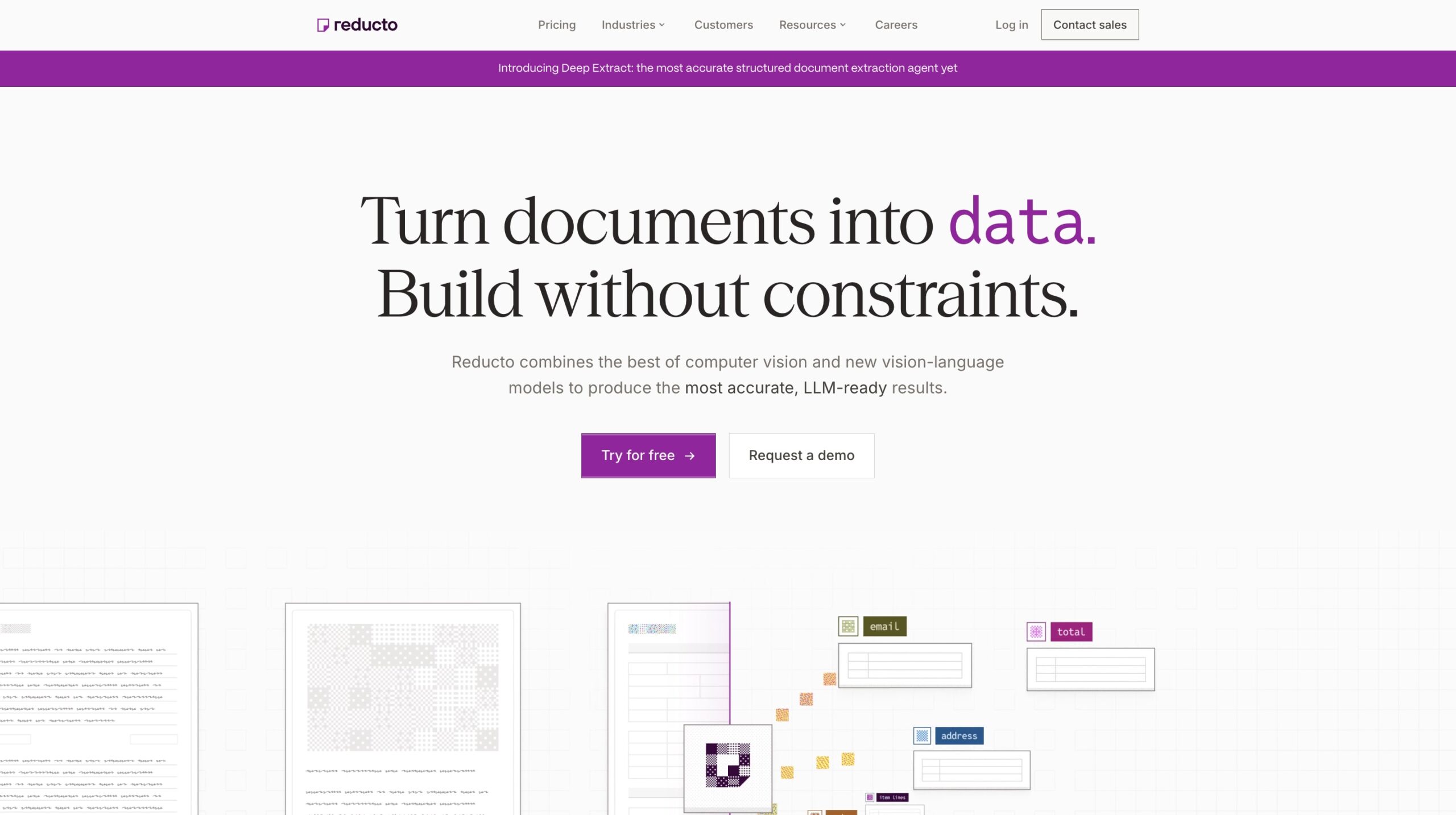
Reducto feels like one of the clearest examples of where this category is going. It is not trying to be a generic OCR utility or a full business process suite. It is much more focused on parsing complex documents into structured, LLM-ready outputs that preserve layout, tables, figures, citations, and contextual meaning. If your problem starts with ugly PDFs and ends with an AI system that needs to reason over them, Reducto is easy to understand.
Key features of Reducto
- Strong fit for parsing dense PDFs, spreadsheets, slide decks, and multi-format files where layout and structure matter.
- Supports parse, split, extract, and edit workflows, which makes it more useful than a narrow parser when documents arrive as mixed packets.
- Emphasis on citation-backed, schema-aligned output is especially relevant for RAG, agent workflows, and review-heavy use cases.
- Agentic OCR layer is one of the more interesting differentiators in this market because it focuses on self-correction for difficult documents rather than only first-pass extraction.
- Best suited for teams building AI systems that need document understanding without buying a full operations platform.
Cons or points to note
- Less of a workflow automation product than something like Nanonets or Rossum, so teams may still need an external workflow layer.
- Pricing is credit-based, which is flexible, but teams handling highly variable documents will want to model usage carefully.
- More relevant for accuracy-sensitive AI ingestion than for teams that mainly want simple invoice OCR.
Pricing
Free tier available, then credit-based pay-as-you-go pricing, with custom pricing for larger plans.

Nanonets
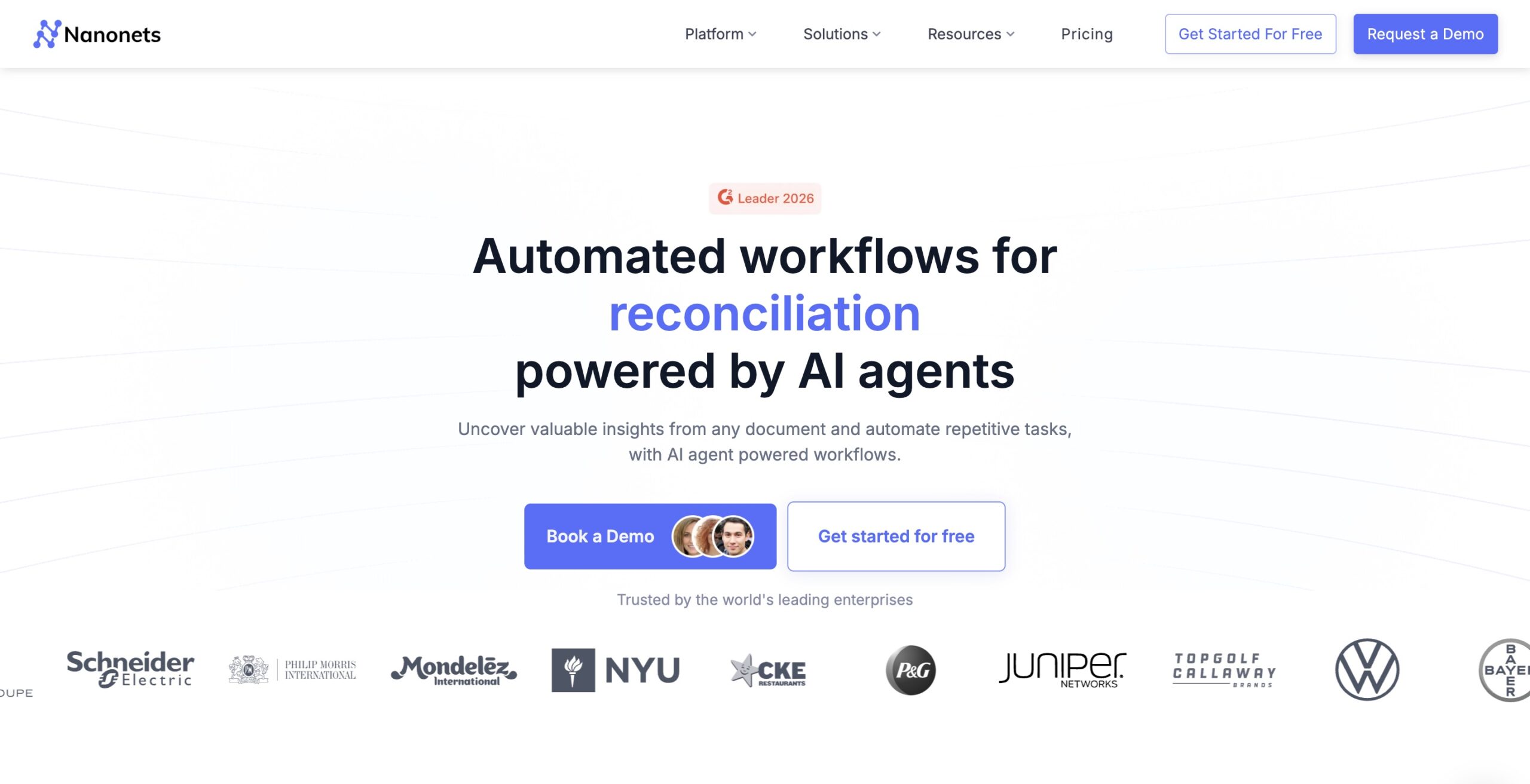
Nanonets sits in a slightly different lane. It started in the broader AI document automation world and has increasingly moved toward workflow-heavy document processing, especially in finance and operations. I see it as a practical choice for teams that do not just want document parsing, but also want validation, routing, approvals, matching, and integrations around documents like invoices, POs, claims, and vendor records.
Key features of Nanonets
- Strong presence in accounts payable, invoice processing, procurement, and other operational workflows where extraction is only one step.
- Workflow orientation is a real advantage if your documents trigger approvals, ERP handoffs, or exception handling.
- Supports AI extraction blocks, email-driven ingestion, integrations, and automation logic that make it more usable for business teams.
- Good fit for teams that want to combine intelligent document processing with process automation rather than assemble everything from scratch.
- More relatable than many parsing-first tools for buyers searching around invoice automation, AP automation, and business workflow efficiency.
Cons or points to note
- Less purpose-built for RAG and AI agent ingestion than parsing-first products like Reducto, Unstructured, or LlamaParse.
- The product surface is broad, which is useful, but can feel heavier if your main need is simply clean AI-ready document output.
- Cost can rise quickly on higher page volumes or more advanced automation use cases.
Pricing
Free credits are available, followed by pay-as-you-go and higher-tier plans.
Unstructured
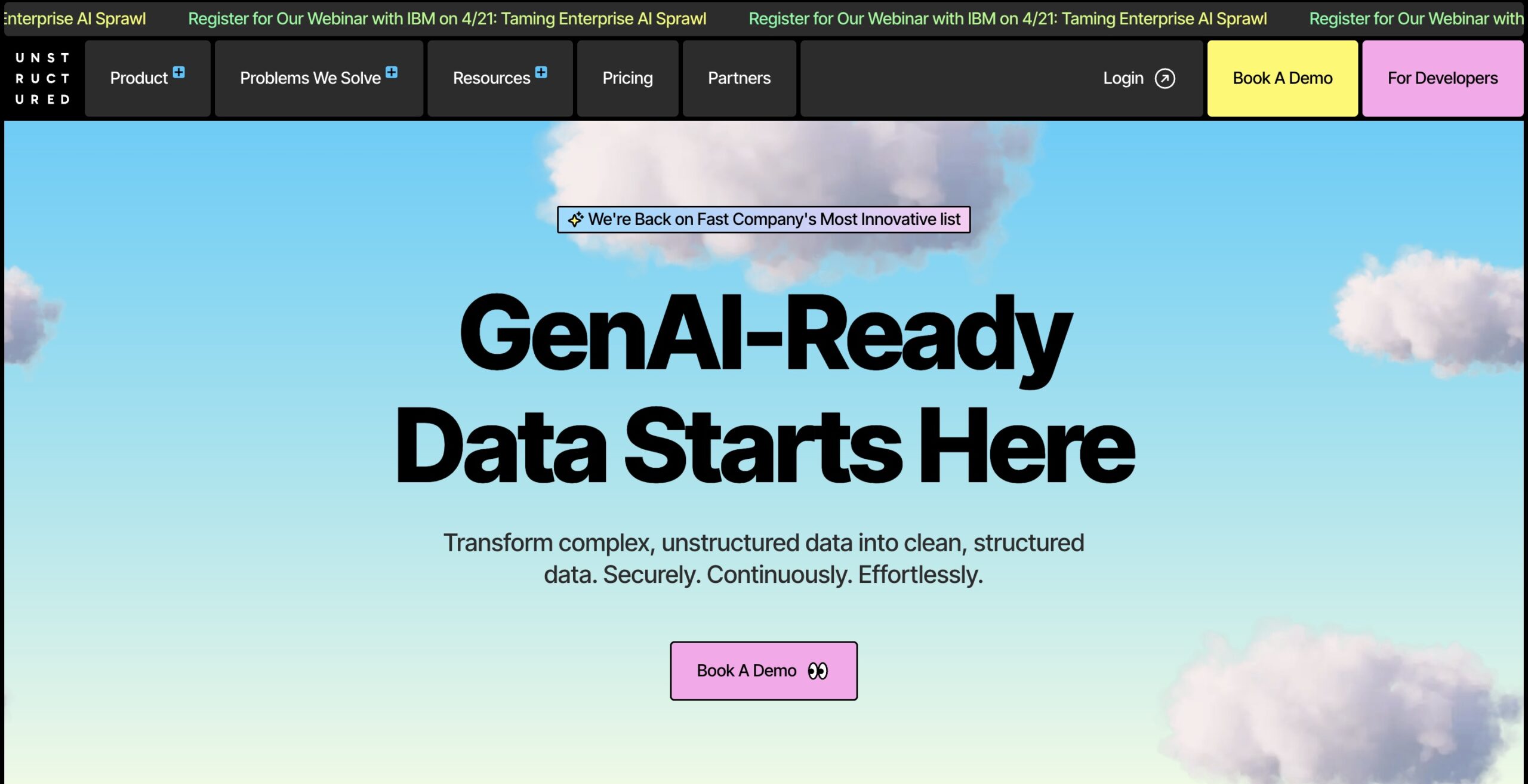
Unstructured is one of the most important names in this category because it framed document processing as a data ingestion problem for GenAI before many others caught up. It is best understood as a platform and toolkit for turning messy unstructured data into cleaner inputs for RAG, search, and AI pipelines. If your world is connectors, partitioning, chunking, transformations, and downstream retrieval quality, Unstructured deserves serious attention.
Key features of Unstructured
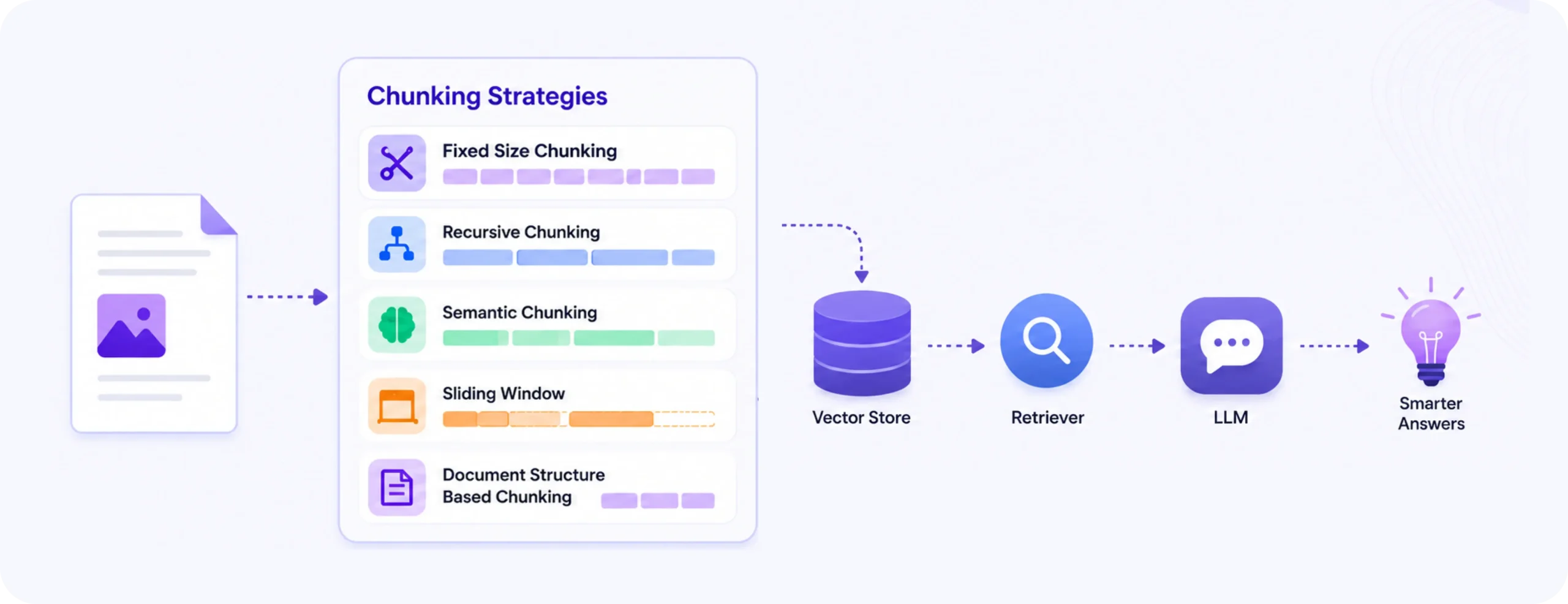
- Especially strong for RAG ingestion, document preprocessing, chunking strategies, and broader unstructured data pipelines.
- Offers both open-source components and a managed platform, which gives teams room to start small and scale up.
- Wide file type support and ingestion connectors make it useful when the problem is bigger than PDFs alone.
- Helpful for teams that care about how data is transformed before embedding, indexing, or feeding into AI agents.
- One of the more developer-friendly options when the goal is building a flexible AI data layer.
Cons or points to note
- Less focused on business workflow automation, so finance or operations teams may need more surrounding infrastructure.
- Can feel more like a data engineering product than a business application tool.
- Teams that want polished end-user workflows out of the box may find the platform more technical than expected.
Pricing
Open-source components are available, with managed platform pricing starting on a pay-as-you-go basis.
LlamaParse
LlamaParse has become one of the most visible document parsing tools in GenAI circles because it solved a very specific frustration well: many retrieval systems failed because the parsing layer was weak. It is best seen as a parsing-first product for developers building RAG and agent systems. If the output needs to move into LlamaIndex or a broader AI pipeline quickly, LlamaParse is often one of the first tools teams try.
Key features about LlamaParse
- Strong reputation among AI developers for handling complex PDFs and document formats more cleanly than generic OCR layers.
- Built with RAG and LLM workflows in mind, which makes the output more useful for downstream indexing and retrieval.
- Credit-based pricing keeps initial experimentation accessible for developer teams.
- Tight relationship with the LlamaIndex ecosystem makes it a natural fit for teams already building there.
- Good option for teams that want structured parsing without adopting a full enterprise document platform.
Cons or points to note
- More parsing-centric than workflow-centric, so approvals, validation, and operations logic usually need to happen elsewhere.
- Best fit is still technical teams. Non-technical business users may not get as much value from it directly.
- Ecosystem fit is a strength, but some buyers may prefer a more vendor-neutral stack.
Pricing
Credit-based pricing through the LlamaIndex platform, with usage-based costs tied to parsing and related services.
Google Cloud Document AI
Google Cloud Document AI is one of the more mature cloud options here, and it matters because it covers both classic document extraction use cases and newer layout-aware parsing for AI workflows. I think of it as a strong choice for teams that are already inside Google Cloud and want document processing at cloud-platform scale, especially when they care about processors, prebuilt models, and enterprise-grade infrastructure.
Key features about Google Cloud Document AI
- Broad processor catalog for forms, invoices, IDs, procurement documents, lending, and layout parsing.
- Layout Parser with Gemini matters because it moves the product closer to AI-ready document output, not just field extraction.
- Strong fit for enterprises already invested in Google Cloud architecture and governance.
- Transparent page-based pricing is easier to reason about than opaque enterprise pricing models.
- Useful when teams want cloud-native document AI with APIs, quotas, and managed infrastructure rather than a specialist point product.
Cons or points to note
- The product can feel fragmented because different processors, limits, and pricing models apply across use cases.
- Strong cloud fit, but less appealing if you are trying to stay independent of a major cloud stack.
- Best results may require understanding the processor landscape well, which adds some setup complexity.
Pricing
Usage-based pricing by processor type, with public page-based pricing and free cloud credits for new users.
Azure Document Intelligence
Azure Document Intelligence is a useful reminder that the document processing category is being pulled closer to the broader AI application stack. It is a serious option for organizations already using Microsoft infrastructure, especially where forms, contracts, invoices, IDs, and scanned documents feed into enterprise workflows. It is not the most exciting product in the category, but it is one of the most practical for large Microsoft-heavy environments.
Key features about Azure Document Intelligence
- Strong integration story for organizations already building in Azure and Microsoft enterprise tooling.
- Handles text, tables, key-value pairs, forms, and structured extraction across common business documents.
- Includes custom and prebuilt models, which helps in mixed workloads across finance, HR, legal, and operations.
- Good fit when security, governance, quotas, and enterprise controls matter as much as extraction quality.
- A sensible choice for teams that want document processing to live close to the rest of their cloud AI stack.
Cons or points to note
- Like Google Cloud Document AI, it can feel more like a cloud service family than a tightly focused specialist product.
- The experience is strongest for teams already comfortable with Azure architecture and pricing logic.
- Buyers looking for AI-ready markdown, chunking, or direct RAG-oriented workflows may still need a second layer.
Pricing
Usage-based pricing through Azure, with rates varying by model type and deployment setup.
Instabase
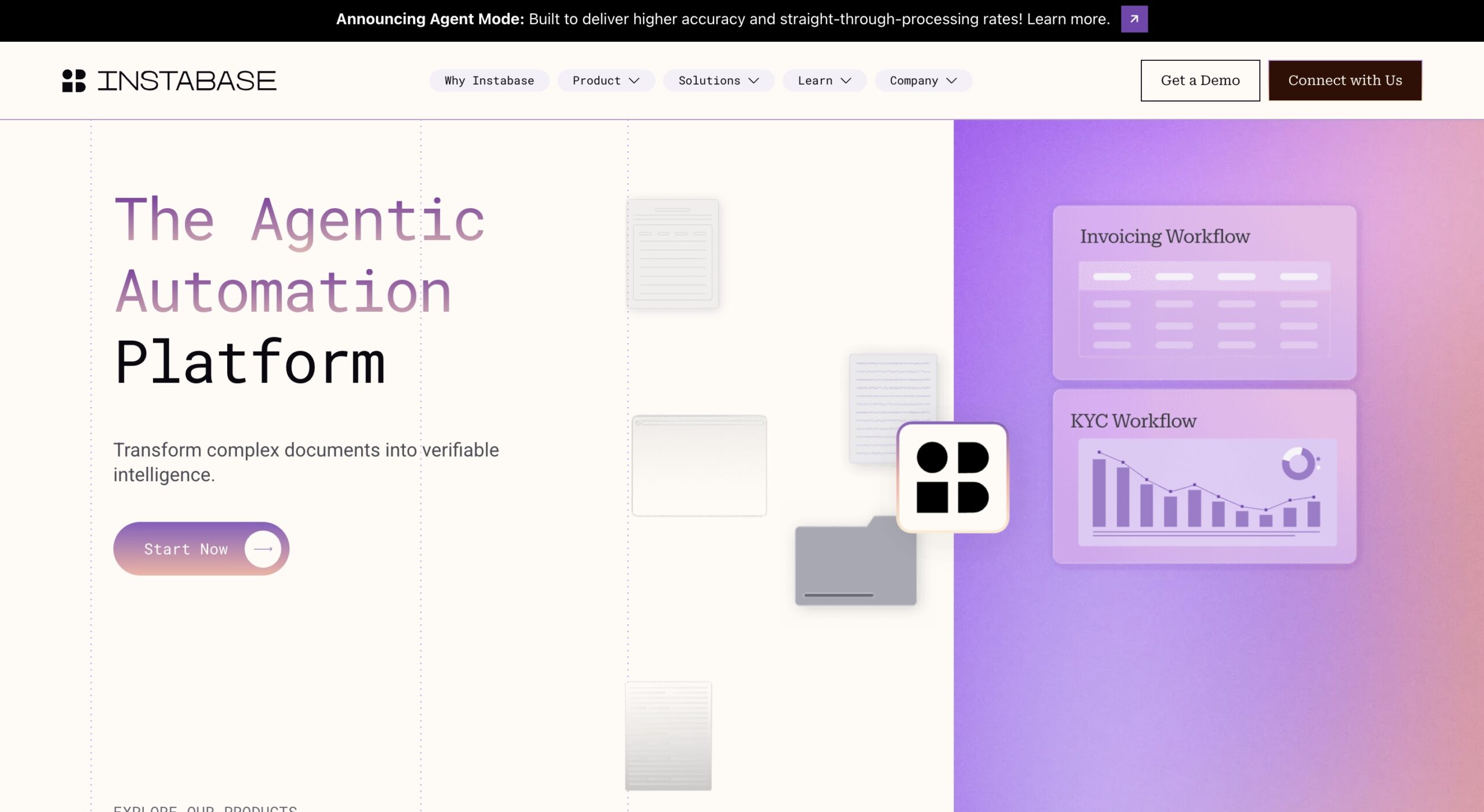
Instabase is one of the more enterprise-heavy names in this list, and it makes the most sense when document processing is not a side problem but a core operational capability. It is built for complex, document-dense environments where extraction, validation, routing, human review, benchmarking, and auditability all matter. I would not put it in the same bucket as lightweight developer parsers. It belongs to the large-scale document automation end of the market.
Key features about Instabase
- Strong fit for enterprises handling large document packets, regulated workflows, and multi-step review processes.
- More complete operational layer than many parsing tools, including validation and orchestration capabilities.
- Good choice when reliability, security, auditability, and enterprise deployment requirements are central.
- Covers more than simple OCR or parsing by supporting end-to-end document-heavy operations.
- Well suited to organizations where document automation is a strategic platform decision, not a narrow API purchase.
Cons or points to note
- Likely too heavy for startups or teams that mainly need document parsing for RAG or AI agent ingestion.
- Public pricing is limited, which makes early evaluation harder.
- Implementation effort can be higher than more focused tools.
Pricing
Pricing is primarily enterprise-oriented and not fully transparent publicly.
Rossum
Rossum has long been associated with transactional document automation, especially in finance-heavy workflows. What makes it still relevant is that it is not simply extracting data from invoices or purchase orders. It is trying to automate the operational flow around those documents. That makes Rossum a better fit for teams that care about end-to-end processing, exception handling, and ERP handoff more than pure AI-ready parsing.
Key features about Rossum
- Particularly strong for invoices, purchase orders, bills of lading, and other transactional documents.
- Workflow support around approvals, exception handling, communications, and downstream integrations is a real differentiator.
- Template-light approach is useful in environments where document formats vary across suppliers or partners.
- Best suited for finance and operations teams looking for document automation that extends beyond extraction.
- Stronger operational fit than many developer-first parsing tools.
Cons or points to note
- Less directly aimed at RAG, AI agents, or LLM-ready data pipelines than parsing-first products.
- Best use cases are relatively specific, so it is not as general-purpose for AI builders.
- Pricing is custom, which usually means more involved evaluation and sales engagement.
Pricing
Custom pricing based on document volume, workflow complexity, and add-ons.
Landing AI
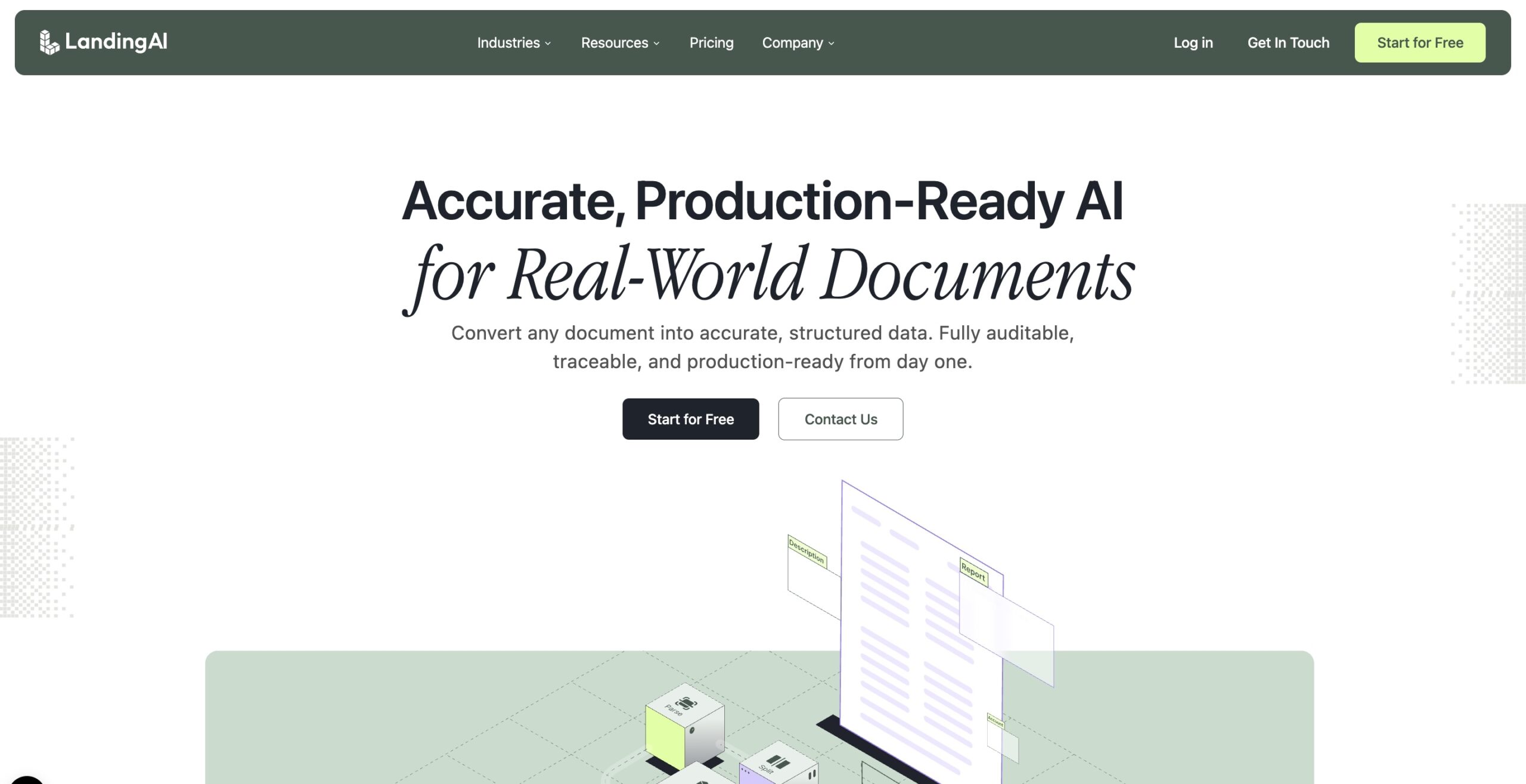
Landing AI is one of the more interesting additions to this category because it sits close to Reducto in spirit but comes from a different lineage. It approaches document processing through Agentic Document Extraction, with a strong emphasis on parse, split, and extract operations that preserve spatial context and return auditable outputs. It feels like a product built for teams who care deeply about extraction quality, but still want a more productized layer than a raw model API.
Key features about Landing AI
- Parse, split, and extract workflow is a useful mental model for teams dealing with real-world multi-document packets.
- Strong focus on layout, spatial context, and schema-aligned extraction for variable documents.
- Better fit than many legacy document tools for AI workflows where structured output quality matters.
- Offers a more focused document intelligence product than a sprawling cloud platform suite.
- Good option for teams handling identity docs, forms, packets, and variable enterprise documents.
Cons or points to note
- Less established in day-to-day buyer mindshare than some of the older cloud and IDP players.
- Like other parsing-first platforms, it may still need an external workflow layer for approvals and operations logic.
- Teams should test it on their own document mix rather than assume parity with more mature enterprise suites.
Pricing
Uses credits with monthly or annual subscription options, plus higher-tier plans.
Docling
Docling belongs in this list because the market is not only moving through commercial software. Open-source tooling is also shaping how teams think about document parsing for AI. Docling is best seen as a developer-first document conversion and parsing toolkit that turns messy files into structured formats like markdown and JSON. It is especially relevant if you want control, transparency, and local experimentation without starting with a commercial contract.
Key features about Docling
- Open-source approach makes it attractive for developers who want control over the document processing layer.
- Converts documents into structured formats that are more directly useful for RAG, LLM pipelines, and downstream processing.
- Handles reading order, OCR, tables, formulas, and advanced PDF understanding, which makes it more serious than a simple converter.
- Strong fit for teams experimenting with custom AI stacks or self-hosted workflows.
- Useful choice when transparency and modifiability matter more than workflow polish.
Cons or points to note
- Not a workflow automation platform, so business process layers need to be built separately.
- Open-source flexibility is great, but it also means more implementation ownership for the team.
- Support, packaging, and operational maturity may not match enterprise software expectations out of the box.
Pricing
Open source and free to use.
Which document processing platform is best for which use case
If your priority is AI and RAG ingestion, the strongest names here are Reducto, Unstructured, LlamaParse, Landing AI, and Docling. These are the products and toolkits that seem most aligned with the idea that output should be usable by LLMs and AI agents, not just pass through an OCR step.
If your priority is workflow-heavy business operations, Nanonets and Rossum stand out more clearly. Instabase also belongs in that conversation, though at a heavier enterprise layer. These products make more sense when invoices, forms, claims, onboarding packets, or transactional documents move through validation, approvals, or downstream systems.
If you are a developer building agents, Docling, Unstructured, LlamaParse, and Reducto are easier to place. They are closer to the data and parsing layer, which matters when your application logic is being built elsewhere.
If you are in a large enterprise environment, Google Cloud Document AI, Azure Document Intelligence, and Instabase are often the most natural fits because governance, scale, and cloud alignment matter as much as output quality.
If your files are especially messy, layout-sensitive, or structurally complex, Reducto, Landing AI, LlamaParse, and Docling are worth close evaluation. These are the products that seem most aware of the fact that reading order, spatial relationships, and mixed-format documents can make or break AI outcomes.
Where document processing platforms fit in the AI stack
Document processing platforms now sit surprisingly close to the center of modern AI systems. In a RAG setup, they shape retrieval quality before an embedding model ever sees the content. In AI agent workflows, they determine whether the system receives structured evidence or a flat wall of text. In business applications, they control how much cleanup, review, and exception handling gets pushed downstream.
That is why this category deserves more attention than it often gets. Many teams spend weeks debating models, vector databases, and orchestration frameworks while underestimating the quality of the document layer feeding those systems. In practice, weak document processing can quietly degrade everything built on top of it.
The good news is that the category has become more interesting. You can now choose between parsing-first tools, workflow-first platforms, cloud-native document AI services, and open-source toolkits. The right choice depends less on which product sounds most advanced and more on what your workflow actually needs once the document enters the system.
Notable mentions
Amazon Textract and related AWS stack
Amazon Textract still matters, especially for AWS-native organizations that want OCR, forms, tables, and document extraction inside a familiar cloud stack. It is widely used, but I see it more as foundational cloud infrastructure than as the most modern AI-ready parsing experience. Pricing is usage-based, and it becomes more compelling when paired with other AWS services.
Mindee
Mindee is a good example of an API-first document processing product that has stayed useful by keeping the developer workflow simple. It is often associated with receipts, invoices, IDs, and form-like documents. For teams that want straightforward AI document extraction without adopting a huge platform, it remains a practical option. Pricing is public and usage-based.
Mistral OCR
Mistral OCR is worth watching because model-led document understanding is starting to overlap with the parsing category in a more serious way. It is not a full workflow platform, but it is relevant for teams that want an OCR and document understanding API that can feed RAG, multimodal reasoning, or custom AI pipelines. Pricing is page-based through Mistral’s platform.
LLMWhisperer by Unstract
LLMWhisperer is a strong example of a product built around a very specific pain point: traditional OCR often produces output that is readable, but awkward for LLMs. LLMWhisperer focuses on preserving layout and producing text that is easier for language models to interpret. It is narrower than a full platform, but very useful in stacks where document preprocessing quality directly affects AI output. It offers free usage limits and pay-as-you-go options.
Final thoughts
The best document processing platforms today are not just extracting text. They are shaping whether documents become usable inputs for AI systems. That is a bigger shift than it first appears.
If your main goal is AI-ready data for RAG, search, or AI agents, focus on parsing quality, structure, chunking, and how well the platform preserves document meaning. If your goal is operational automation, focus on validation, exception handling, approvals, integrations, and workflow support. If your goal is control, open-source flexibility may matter more than dashboards.
The point is not to find one universal winner. It is to pick the product whose output reduces the most downstream friction. In this category, that is usually where the real value shows up.
Build your Agentic Workflow on DronaHQ. Turn your structured document outputs into fully autonomous AI agents that handle everything from invoice reconciliation to claims processing.
Related Articles