
Top AI Automation Tools in 2026 (Compared for Workflows & AI Agents)
This guide compares leading platforms like DronaHQ, Zapier, Hostinger, Make, n8n, UiPath, and Boomi based on how they actually perform in real business workflows, not just features.
Some tools are built for simple app-to-app automation. Others support complex workflows with branching logic, APIs, and data pipelines. A newer category is emerging around AI agents, where automation systems can reason, take actions, and involve humans when needed.
Market Snapshot: AI automation tools are everywhere right now. The category is growing fast, but it is also getting harder to navigate. Some platforms help automate repetitive SaaS workflows. Some help teams build AI-assisted processes. Some are designed for enterprise orchestration. Others are trying to become the single layer where AI, business logic, and operations come together.
The numbers back this up. According to Gartner, 30% of enterprises will automate more than half of their network activities by 2026. McKinsey data shows 88% of organisations now use AI in at least one business function, and that share is still climbing. Global AI market spend is projected to reach $2.53 trillion in 2026, a 44% year-on-year increase.
Some of those shifts are real. But it means buyers need to look past the positioning and ask a more useful question: what are these tools actually built to do, and what kind of business value do they reliably deliver?
This article answers that question. It covers eight leading AI automation tools in 2026, what each platform is genuinely strong at, where it falls short, and what kinds of teams and workflows each one is suited for. We’ve compiled a quick summary of the top AI automation tools by use-case.
Best AI automation tools by use case (Quick summary)
| If you need… | Best tool(s) |
|---|---|
| Non-technical teams | Zapier |
| Visual workflow automation | Make |
| Engineering teams | n8n, Hostinger (small teams) |
| Enterprise automation | DronaHQ, UiPath, Boomi |
| API orchestration | Tray |
| AI agent workflows | DronaHQ |
| Pre-built AI assistants | Lindy |
Platforms covered in this list
Main platforms reviewed: DronaHQ, Zapier, Hostinger, Make, UiPath, n8n, Tray, Boomi, Lindy
Notable mentions: Vellum, Pipedream, Gumloop
How we evaluated the best AI automation tools in 2026
Rather than ranking tools against a single standard, each platform was assessed across six dimensions that reflect how businesses actually choose and use automation software.
- Workflow depth
Ability to handle complex workflows including conditional logic, multi-step flows, branching, and error handling. - AI capabilities
Support for real AI-driven automation such as reasoning steps, LLM routing, agent behaviour, and contextual decisions. - Integrations and connectivity
Strength and depth of integrations with SaaS apps, APIs, databases, and enterprise or legacy systems. - Ease of use vs. flexibility
Balance between simple no-code usability and deeper customization for technical teams. - Governance and reliability
Availability of audit logs, role-based access, approvals, monitoring, and stable error handling. - Business fit
How well the platform suits specific teams, workflows, and organizational needs.
Quick comparison: AI automation tools at a glance
| Platform | Best for | Key strength | Main limitation | Best-fit use case |
| DronaHQ | Ops teams building agentic workflow automations for business ops | Unified app + agent + automation layer on real business data | Learning curve for non-technical users; add-ons for advanced features | AI workflow apps, internal portals, agentic ops |
| Zapier | Non-technical teams with broad SaaS coverage needs | 8,000+ integrations; fastest time-to-first-automation | Gets expensive fast; struggles with complex branching logic | Cross-app task automation, marketing ops, quick wins |
| Hostinger | Founders and small teams building and launching web apps without developers | End-to-end app creation with built-in backend, hosting, and deployment automation | No autonomous workflows; limited integrations via prompts instead of native connectors | Rapid MVP launches, internal tools, booking systems, monetizable web apps |
| Make | Marketing/content ops with complex conditional flows | Visual scenario designer; strong price-performance ratio | Enterprise governance not as mature; can spike costs with iterators | Multi-step scenarios, data routing, mid-market ops |
| n8n | Engineering-led teams needing flexibility and data control | Self-hosted, open-source, per-workflow pricing; LangChain AI support | Requires DevOps skills and infrastructure management | Custom AI workflows, high-volume pipelines, privacy-first environments |
| UiPath | Enterprises automating legacy/desktop systems without APIs | RPA + API hybrid; strong orchestration and monitoring | Heavy implementation overhead; narrower integration breadth than iPaaS | Finance ops, shared services, legacy system automation |
| Tray | Developer/IT teams needing enterprise-grade API orchestration | Merlin AI agents; precise payload control; strong governance | Developer-centric; complex initial setup; enterprise pricing | Centralised IT automation, API-heavy orchestration, compliance-conscious orgs |
| Boomi | Enterprises bridging cloud and on-prem data ecosystems | Hybrid architecture; robust data mapping and governance | Interface feels dated; steep learning curve for advanced mappings | ERP/cloud integration, data sync, legacy-cloud bridging |
| Lindy | Teams wanting pre-built AI employees, not DIY workflow builders | Zero setup for email, meetings, calendars; natural language config | Less deterministic; weak for custom logic or regulated workflows | Meeting ops, inbox management, lightweight AI-assisted tasks |
The best AI automation tools in 2026, reviewed
1. DronaHQ
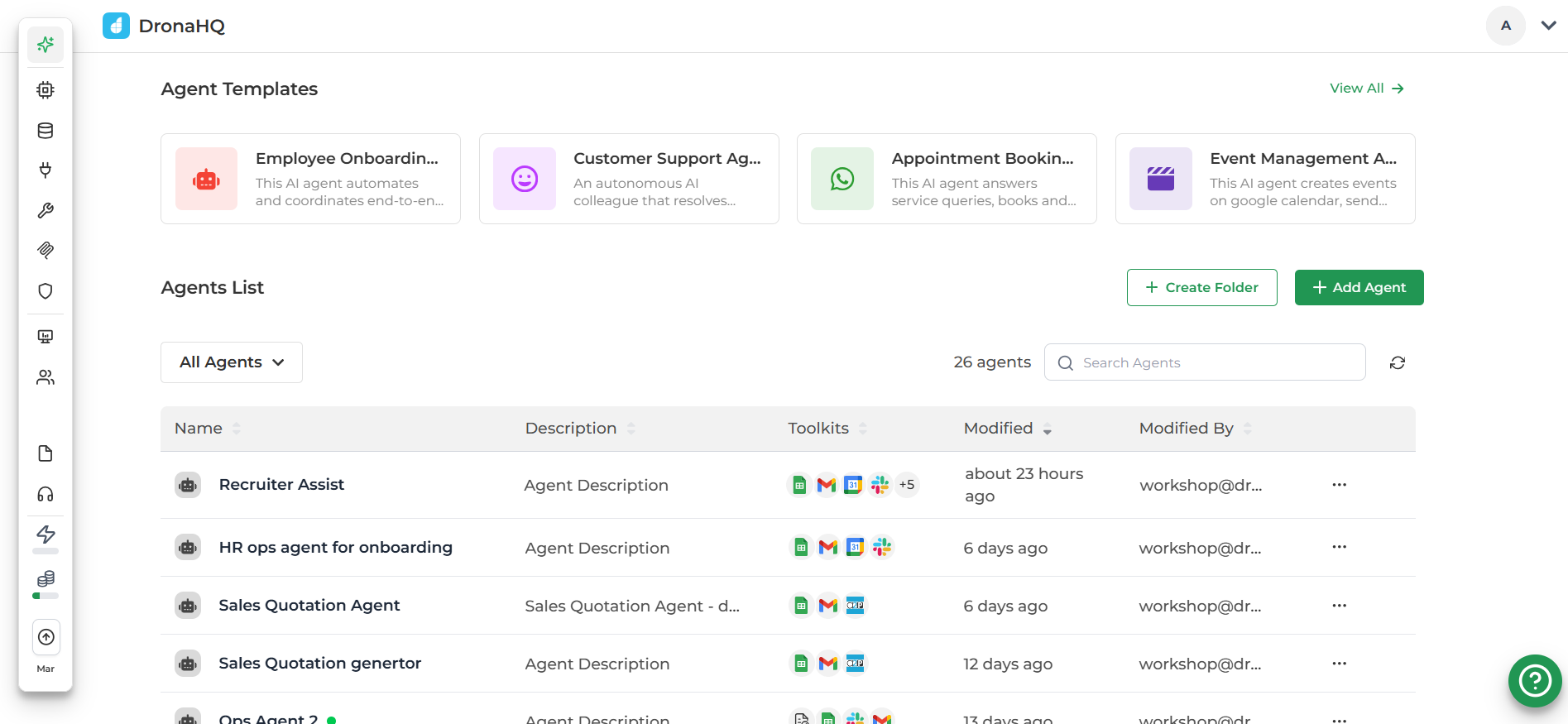
DronaHQ AI automation platformDronaHQ is an enterprise-grade AI automation platform for building and deploying everything from rule-based workflow automations to fully agentic AI systems — on top of your existing business data and tools, without rebuilding infrastructure from scratch.
You can set up a scheduled or webhook-triggered automation that calls an AI agent mid-workflow, or deploy a standalone agent that reasons, uses tools, and hands off to humans when needed. The same platform handles both
Key strengths
- Unlike many AI automation tools that focus only on backend workflows, DronaHQ lets teams build full operational interfaces such as dashboards, admin panels, and workflow tools.
- Centralised connectors hub for databases, REST APIs, LLMs, GraphQL, gRPC, and 150+ SaaS integrations , and internal services to automate data flows and operational processes reusable across apps and agents.
- Supports AI integrations and automation logic for building intelligent workflows, approval systems, agents and operational assistants.
- Offers developer-friendly capabilities such as JavaScript scripting, reusable queries, versioning, and environment management.
- Enterprise-grade governance: role-based access, audit logs, SSO/AD, multi-environment deployment, SOC 2 Type II and GDPR compliance
Where it falls short
- Not purely an automation tool – Teams looking only for simple task automation (like basic Zapier-style workflows) may find the platform broader than needed.
- Learning curve for non-technical users – While visual, it’s designed primarily for developers and technical teams rather than non-technical business users.
- Smaller ecosystem compared to legacy automation tools – Integration libraries are growing but still smaller than long-established platforms like Zapier.
Best-fit workflows and business values
DronaHQ works best for AI-powered operational workflows that require both automation and an interface for teams to interact with data or processes.
- Internal operations tools such as admin panels, back-office dashboards, and data management apps
- Approval and workflow automation systems for finance, HR, procurement, and operations teams
- AI-assisted internal apps where agents or AI models help analyze data, trigger workflows, or assist employees
- Customer operations and support dashboards that combine automation, integrations, and real-time data
- Operational platforms built on top of internal APIs
The business value comes from reducing engineering effort needed to build and maintain internal tools while improving operational visibility and automation across teams.
Pricing snapshot
- Pay-as-you-go pricing (first $5 worth of credit for free)
- See full pricing details here.
2. Zapier
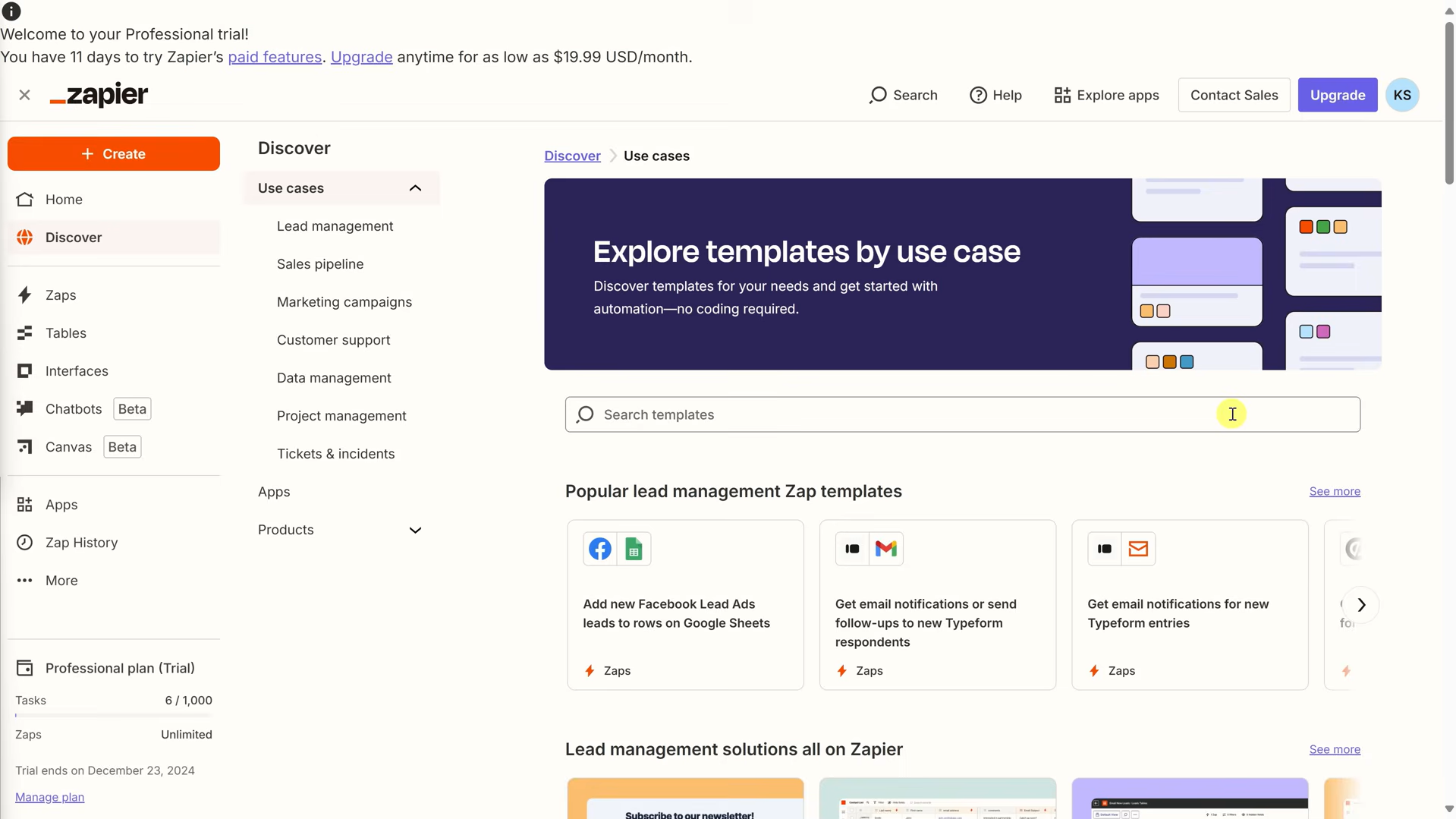
Zapier is one of the most popular AI automation tools for business teams. It connects more than 8,000 applications through a trigger-action model , when something happens in one app, it fires an action in another. Its AI capabilities have grown to include AI-powered Zaps, Zapier Tables, Interfaces, and MCP (Model Context Protocol) integration, but the core proposition remains simplicity and speed. It is the fastest path from “I have a manual process” to “it is now automated.”
Key strengths
- Largest integration library in the category , 8,000+ apps, including most SaaS tools businesses already use
- Fastest time-to-first-automation: non-technical users can set up working workflows in under 30 minutes
- AI features including natural-language Zap builder, AI actions, and MCP integration for connecting workflows to LLMs
- Template library reduces setup time for common use cases across CRM, marketing, e-commerce, and support
- Unified pricing bundles Zaps, Tables, Interfaces, and AI features into a single plan
Where it falls short
- Gets expensive fast as workflow complexity and task volume increase , overage fees at 1.25x plan cost can catch teams off guard
- Linear Zap structure makes complex branching and multi-path logic awkward to build and maintain
- Not well-suited for deep enterprise use cases that require strong governance, audit trails, or on-prem connectivity
Best-fit workflows and business value
- Cross-app task automation: lead routing, form submissions, notifications, CRM updates, spreadsheet syncs
- Marketing ops, content ops, and e-commerce workflows with relatively straightforward trigger-action patterns
- Teams that want automation without any engineering involvement and need it running today
- Business value: eliminates manual data entry, reduces time-to-automation, and frees non-technical teams from repetitive tasks
Pricing snapshot
- Free plan: 100 tasks/month. Professional plan starts at $19.99/month; Team at $69/month
- Check out their full pricing.
If you’re looking for comparable tools, we have compiled a few Zapier alternatives in this guide
3. Hostinger Horizons
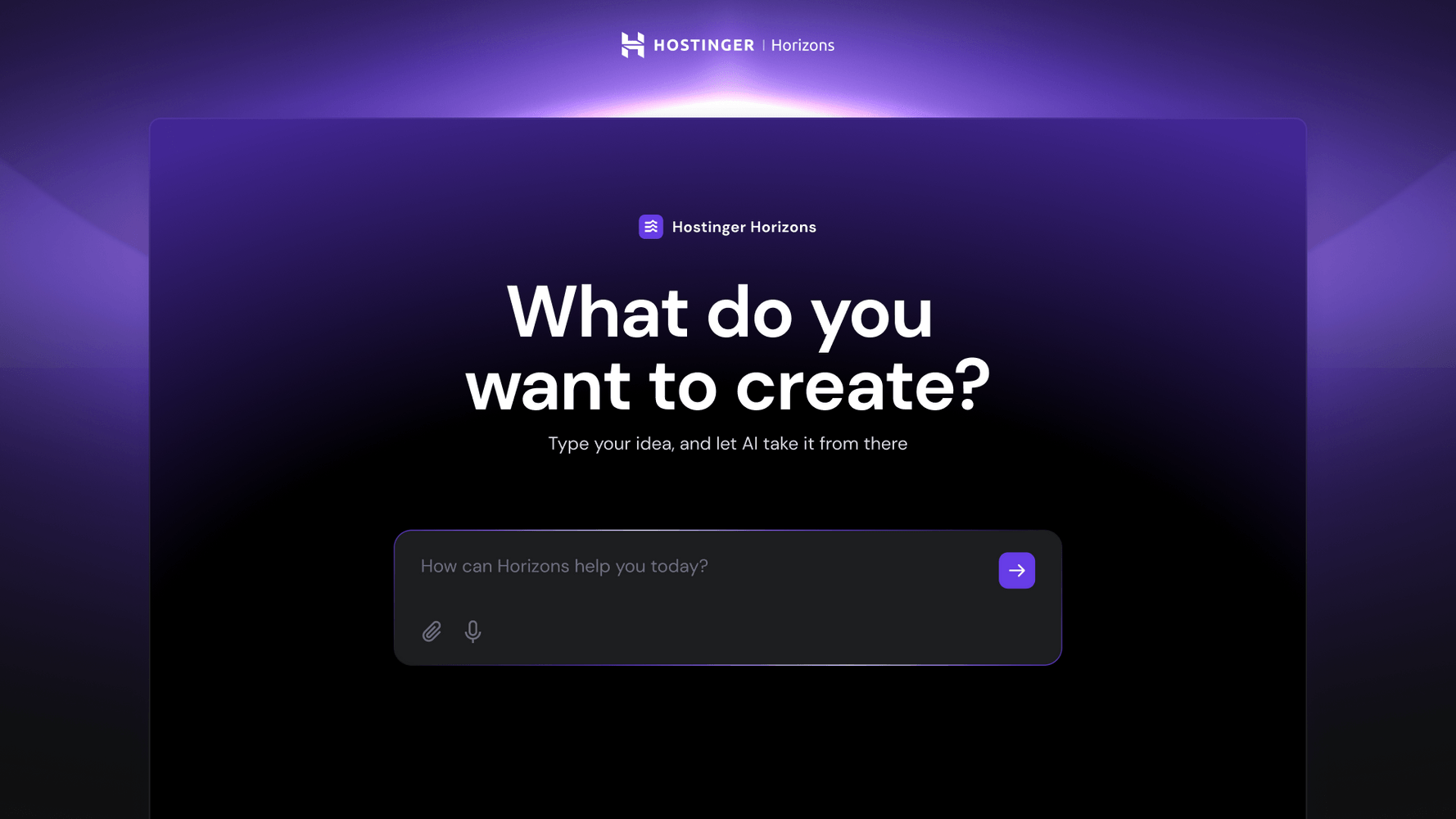
Hostinger Horizons is a no-code AI web app builder that automates the entire build-and-launch stack: app logic, UI generation, hosting, backend infrastructure, and deployment. It automates the process of creating the tool itself, rather than automating tasks within existing software. This makes it a distinct entry in the no-code automation category for 2026.
Key strengths:
- Backend automation out of the box. Every app comes with user authentication, data and file storage, automated emails, and security alerts configured automatically. There is no multi-tool setup required before the app is usable.
- Automated publishing pipeline. SSL, hosting, and infrastructure are handled automatically at the point of publishing. Moving from prototype to live product requires zero manual deployment configuration.
- Built-in discoverability automation. SEO metadata, robots.txt, and llms.txt files are generated automatically. This eliminates the post-launch configuration that typically requires separate plugins or manual work.
- Integrated online store. The native store supports physical and digital product sales, gift cards, and donations.
Where it falls short:
- No autonomous multi-step execution. Each development step requires a user prompt. The AI generates and deploys on command, but does not independently plan or execute complex workflows without input.
- No plugin marketplace for integrations. Supported third-party tools like Stripe, Mailchimp, Zapier, and AdSense are set up through prompts rather than a dedicated connector interface.
Best-fit workflows and business use cases:
Hostinger Horizons is best suited for founders and small teams whose bottleneck is building and shipping a web product without developers. It removes the technical overhead of app creation, and allows you to create a live, monetizable product fast. Popular business use cases for Hostinger Horizons include creating a booking system, donation platform, task tracker, internal dashboard, or a digital product store.
Hostinger Horizons Pricing:
- Explorer: $6.99/month (30 AI credits/month)
- Starter: $13.99/month (70 AI credits/month)
- Hobbyist: $39.99/month (200 AI credits/month)
- Hustler: $79.99/month (400 AI credits/month)
- More details on Hostinger Horizons pricing
4. Make (formerly Integromat)
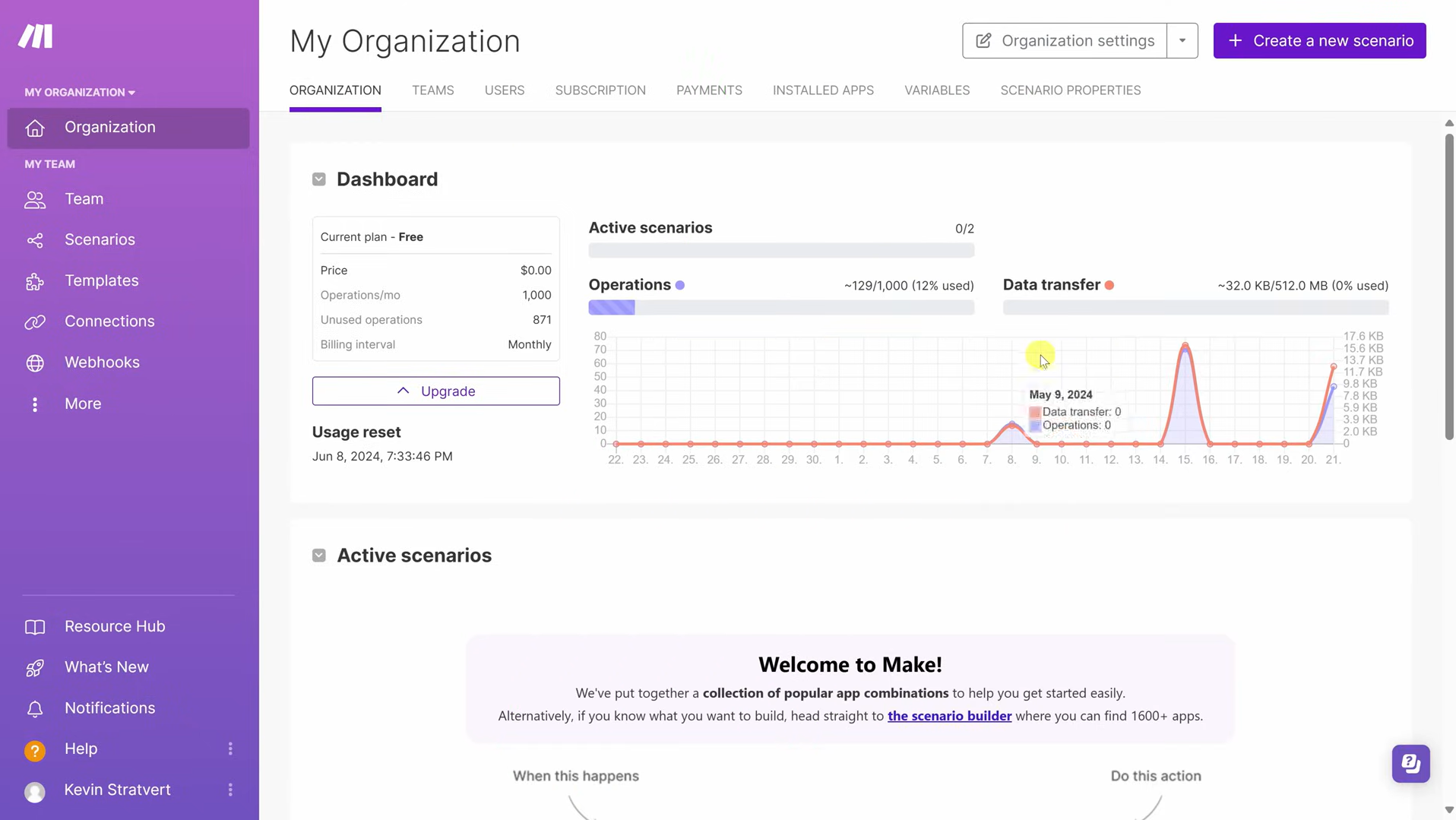
Make is a visual automation platform that represents workflows as flow diagrams rather than linear lists. Its scenario builder is one of the most capable in its price range , supporting conditional logic, routers, iterators, aggregators, and data transformation without requiring code. Make sits between Zapier (simpler, pricier per task) and n8n (more flexible, self-hosted) and is a strong choice for teams that need more than basic automation but are not yet ready to manage their own infrastructure.
Key strengths
- Highly visual scenario designer, workflows are easy to read, audit, and debug compared to linear editors
- Better price-performance ratio than Zapier for complex, multi-step workflows , charged per operation, not per Zap
- Strong support for conditional routing, iterators, and data aggregation without code
- Good integration breadth (1,000+ apps) with solid support for HTTP/webhooks and custom API calls
- Handles many marketing, content, and analytics automation use cases that outgrow Zapier
Where it falls short
- Enterprise governance features , audit logs, team access controls, compliance tooling , are not as mature as Workato, Tray, or enterprise iPaaS platforms
- Misconfigured iterators can unexpectedly spike operation counts, leading to surprise billing
- Not well-suited for self-hosting requirements or teams with strict data residency needs
Best-fit workflows and business value
- Marketing ops, content workflows, and analytics pipelines that need conditional logic and multi-path routing
- Mid-market ops teams that have outgrown Zapier’s linear model and want more visual control
- Business value: reduces manual data handling, improves workflow visibility, and supports more sophisticated automation without engineering overhead
Pricing snapshot
- Free plan: 1,000 operations/month. Paid plans start at $9/month (Core) with usage-based tiers above
- More details on Make pricing.
If you’re comparing tools, we’ve broken down a few Make alternatives in this guide
5. n8n
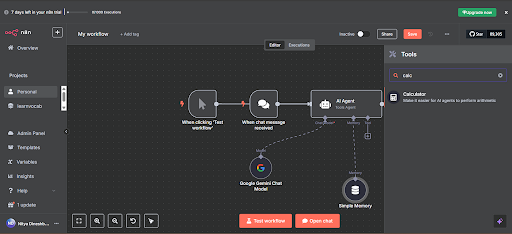
n8n is an open-source workflow automation platform with a fair-code licence. It can be self-hosted on your own infrastructure, giving engineering teams complete control over where data goes and how workflows run. Unlike Zapier or Make, n8n is not trying to be the easiest tool for every business user , it is designed for technically capable teams who need deep customisation, LangChain AI integration, code nodes, and high-volume economics. Cloud plans are available if self-hosting is not a requirement.
Key strengths
- Self-hosted Community Edition is free (infrastructure costs only) , a significant cost advantage at scale
- Per-workflow-run pricing: a workflow with 10 steps counts as one execution, not ten tasks , meaningful savings over Zapier and Make for complex flows
- LangChain integration supports AI agent design with vector database queries, tool use, and multi-step reasoning inside workflows
- Code nodes let developers write JavaScript or Python directly in workflow steps , no workarounds needed
- Unlimited users on cloud plans, even at lower tiers , unlike per-seat tools that penalise team growth
Where it falls short
- Requires DevOps expertise for self-hosted deployments , installation, scaling, patching, and security are the team’s responsibility
- Smaller out-of-the-box integration library (1,000+ connectors) than Zapier, though HTTP requests and custom nodes extend reach considerably
- Not the right choice for non-technical teams or organisations that want a vendor-managed, SLA-backed platform
Best-fit workflows and business value
- Engineering-led teams building complex, customised AI automation workflows that need code-level flexibility
- High-volume automation pipelines where per-task pricing from Zapier or Make would become prohibitive
- Privacy-conscious or regulated organisations that require data to stay on their own infrastructure
- Business value: maximum flexibility and control at scale, with AI-first workflow design for teams willing to invest in technical setup
Pricing snapshot
- Self-hosted Community Edition: free. Cloud Starter: €20/month for 2,500 workflow executions
- Check out their full pricing.
6. UiPath
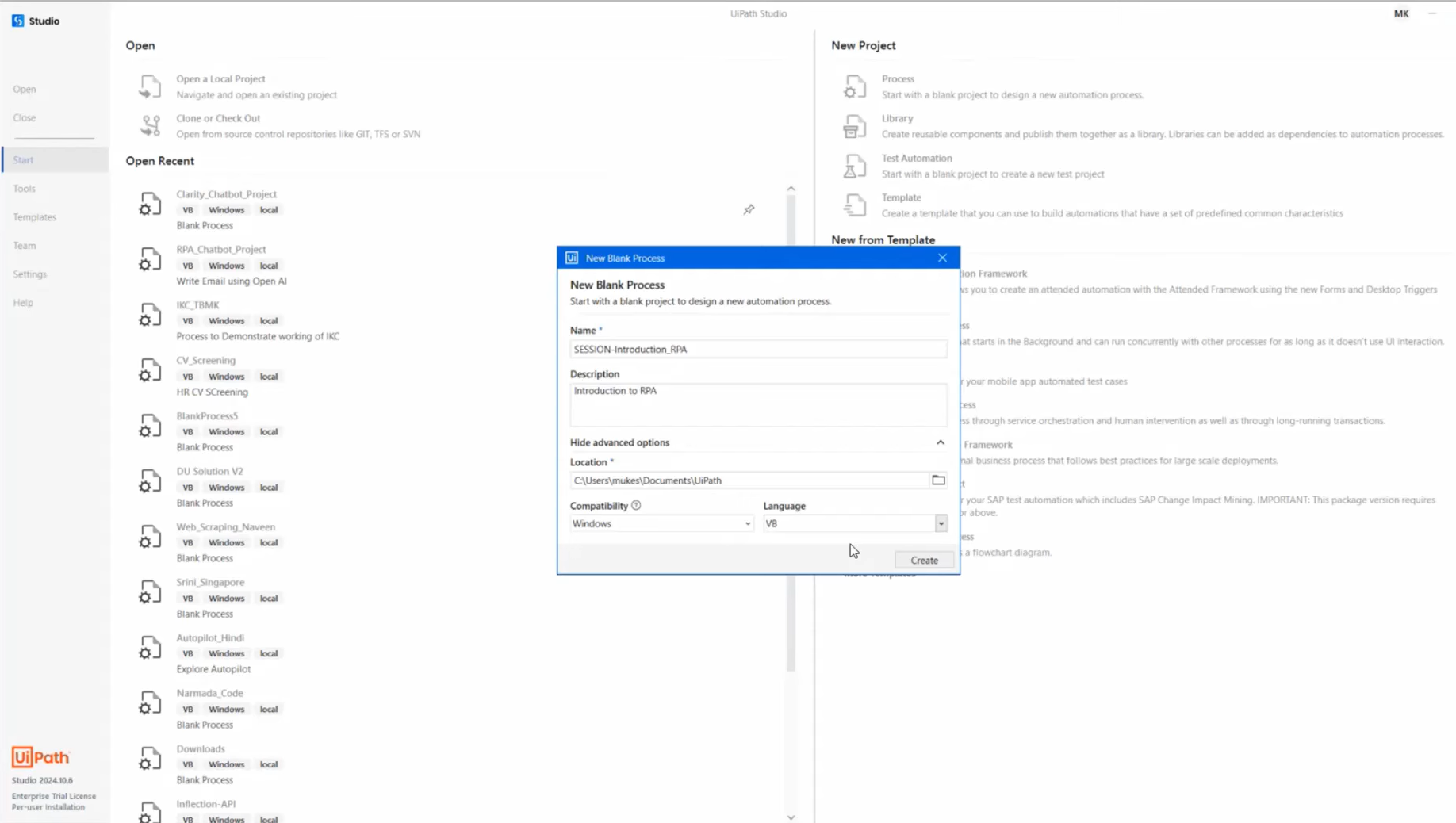
UiPath is the dominant platform in the Robotic Process Automation (RPA) category. It automates tasks by simulating what a human does on screen , clicking buttons, navigating forms, copying data between apps , which makes it uniquely valuable when legacy systems, desktop applications, or internal tools simply do not have APIs. In 2026, UiPath has expanded beyond RPA to include API-based actions, AI agents, and context-aware decision-making alongside its traditional UI automation capabilities.
Key strengths
- Strong capability for UI-bound automation , if an app lacks an API, UiPath can still automate it through screen interaction
- Strong orchestration layer for managing, monitoring, and scaling robot deployments across the enterprise
- Hybrid model: mix RPA with API-based actions and AI agents in the same process , enabling end-to-end automation across modern and legacy systems
- Large developer ecosystem and extensive community support
- AI capabilities include Document Understanding, process mining, and context-aware decision-making integrated into workflows
Where it falls short
- Significant implementation overhead: building, testing, and maintaining bots requires specialist skills and time investment
- Integration breadth is narrower than API-first platforms , UiPath shines for UI automation, not as a general SaaS connector
- RPA bots can be fragile when UI elements change in underlying applications, requiring ongoing maintenance
Best-fit workflows and business value
- Finance operations, shared services, and back-office processes that depend on legacy desktop or internal tools
- Regulated environments , healthcare, insurance, financial services , where automation must reach systems that cannot be modernised
- Enterprises running end-to-end process automation across a mix of modern SaaS and legacy infrastructure
- Business value: automates the last mile of process work that API-based tools cannot reach, enabling full digital process coverage across old and new systems
Pricing snapshot
- Pricing by quote for enterprise; Basic plan available at $25 also free-trial is available for individual developers to explore the platform
- More details on Uipath pricing.
See how it compares with other tools covered in this guide
7. Tray
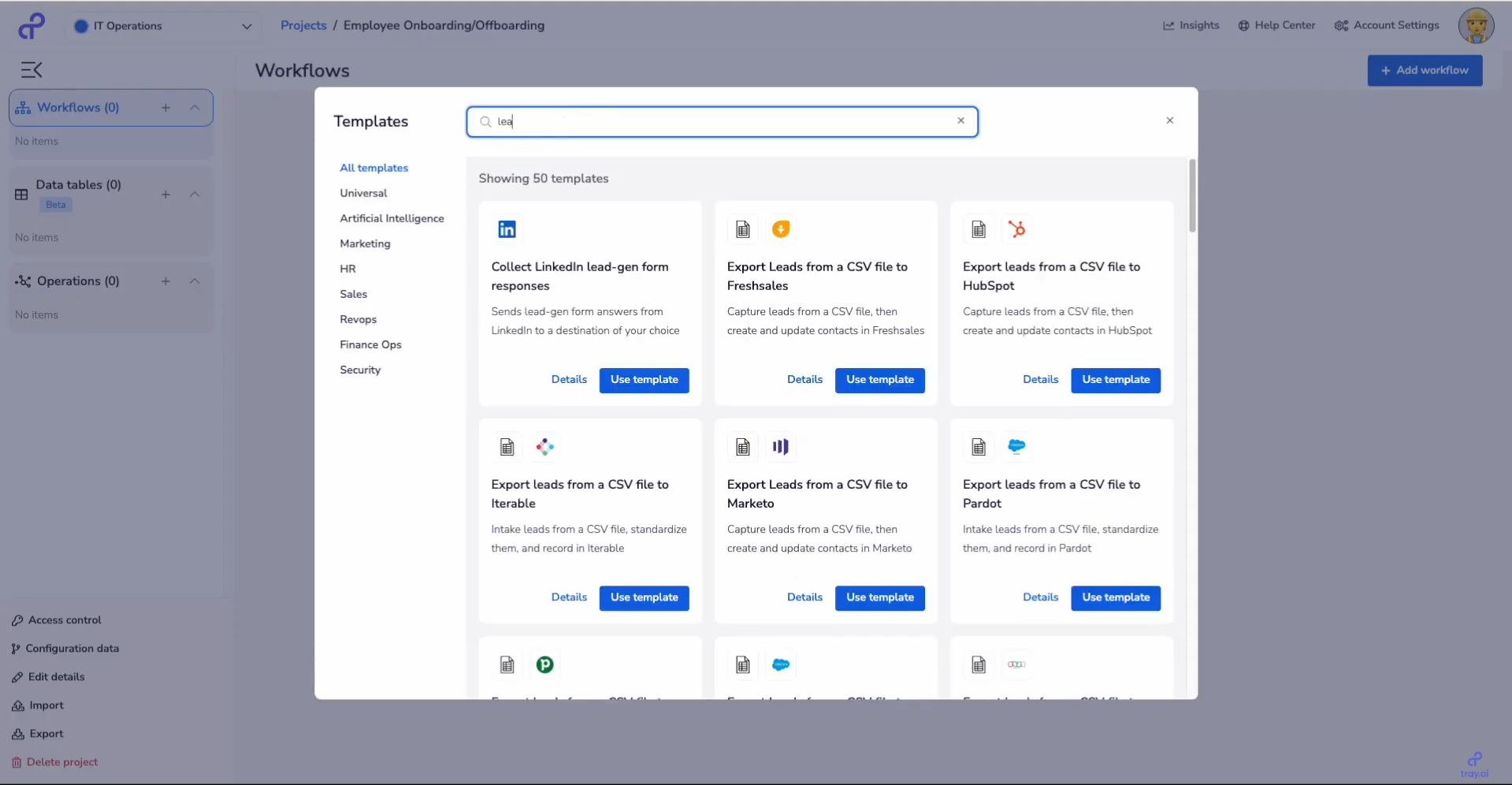
Tray is an enterprise automation platform that leans into its developer roots. Visually it looks like a drag-and-drop builder, but under the hood it is built for teams that want precise control over data payloads, API calls, and execution logic. Tray includes Merlin, its AI layer for building agent-based automation , agents that can make decisions using company data and interact with APIs across the business. It is particularly well-suited to centralised IT or platform teams managing automation governance across an organisation.
Key strengths
- Visual builder with full payload control , map complex data structures and orchestrate workflows using raw API calls
- Merlin AI layer: build agent-based automations that make decisions using company data and interact with APIs
- Strong governance features: enforce standards, control access, and ensure AI-powered workflows behave predictably across the organisation
- Large connector library with strong enterprise app coverage
- Well-suited to centralised IT teams managing automation at scale
Where it falls short
- Developer-centric interface , business users without a technical background will find it more challenging to adopt than Zapier or Make
- Complex initial setup compared to simpler automation tools
- Enterprise pricing model requires direct sales engagement , no transparent self-serve pricing
Best-fit workflows and business value
- Centralised IT and platform engineering teams managing automation governance across multiple business units
- API-heavy orchestration scenarios where precise payload control and custom logic are non-negotiable
- Enterprises that need AI-powered workflows with strict reliability and compliance requirements
- Business value: brings developer-grade control and enterprise governance to automation, enabling teams to scale complex workflows without sacrificing oversight
Pricing snapshot
- Enterprise pricing by quote; contact sales for current rates
- Check out their full pricing.
8. Boomi
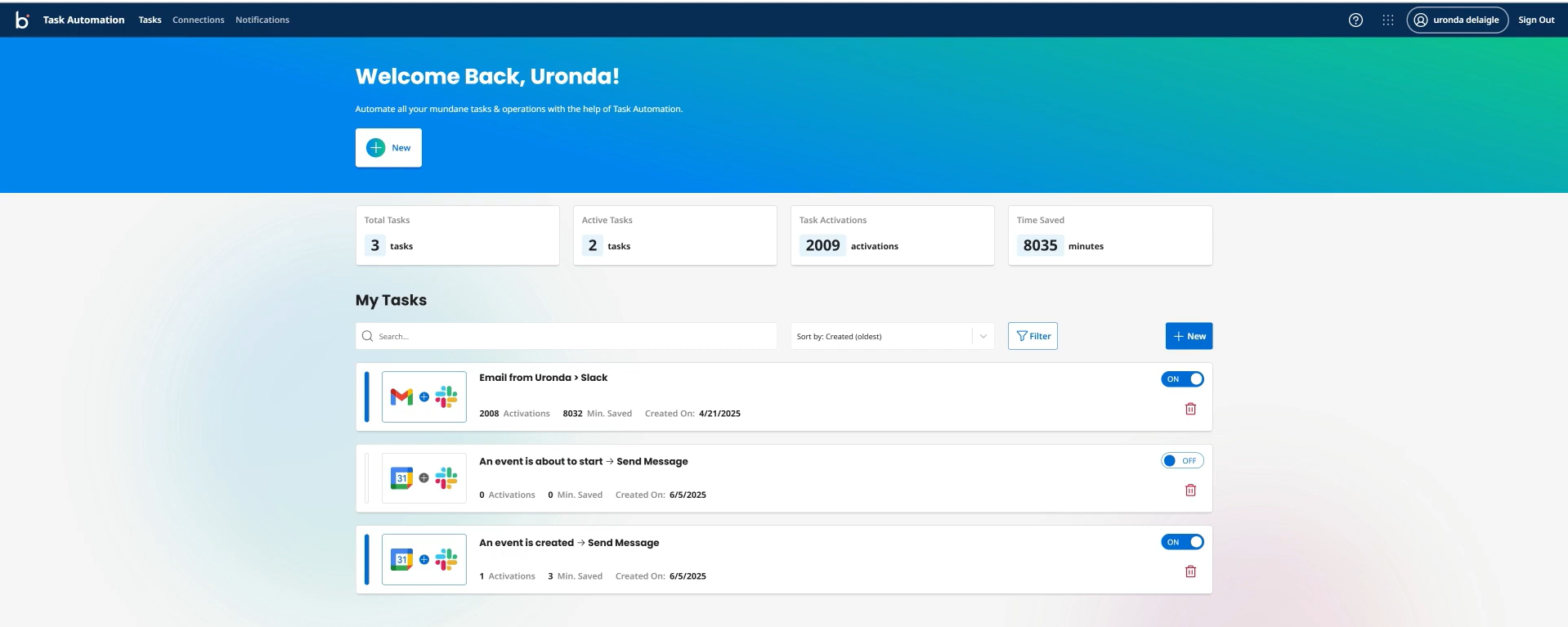
Boomi is a long-established integration platform as a service (iPaaS) originally built for enterprise environments. Its core strength is hybrid integration , connecting modern cloud applications with legacy, on-premises systems like ERPs, proprietary databases, and custom internal tools. In environments where some data still lives behind a firewall or in decades-old systems, Boomi’s architecture is a major practical advantage. From an AI automation perspective, this matters because many enterprise AI workflows still depend on data that sits in systems never designed for AI.
Key strengths
- Hybrid architecture: connects cloud and on-prem systems including ERPs, legacy databases, and behind-firewall infrastructure
- Rich library of prebuilt connectors for faster enterprise onboarding
- Strong data governance, master data management, and data quality features
- Drag-and-drop integration builder with advanced capabilities including error handling, retry logic, and version control
- Well-established platform with a long track record in regulated and complex enterprise environments
Where it falls short
- Interface feels dated compared to more modern platforms , experienced IT teams appreciate the capability, but newer users may find onboarding harder
- Advanced data mapping has a steep learning curve and can feel limiting for highly complex transformation requirements
- Not the tool for quick SaaS automation or teams without dedicated integration expertise
Best-fit workflows and business value
- Enterprises integrating cloud applications with on-premise ERP systems, legacy databases, or custom internal infrastructure
- Data synchronisation and master data management across fragmented enterprise systems
- Organisations that need a mature, stable iPaaS with proven governance for large-scale integration programs
- Business value: closes the integration gap between modern AI-driven workflows and legacy systems that hold the data those workflows depend on
Pricing snapshot
- Subscription pricing by quote. Pay-as-you-go options reportedly start around $99/month , contact sales for current rates
- More details on Boomi pricing.
9. Lindy
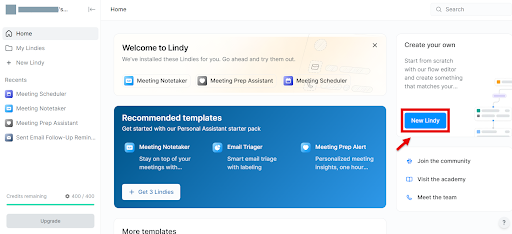
Lindy takes a fundamentally different approach to automation. Instead of building workflows step by step, Lindy provides pre-built AI agents , called Lindies , that are configured in natural language to handle specific tasks: managing email inboxes, taking meeting notes, scheduling calendar events, or running research queries. The proposition is speed and simplicity. There is no workflow designer to learn. You describe what you want the agent to do, connect your accounts, and it runs.
Key strengths
- Zero-setup for common business tasks: inbox management, meeting summaries, calendar coordination, lead research
- Natural language configuration , describe what the agent should do rather than build a workflow diagram
- Agent-based model enables adaptive responses to variable situations rather than rigid if-then rules
- Fast deployment: connect accounts and agents are running in minutes, not hours
- Growing library of pre-built agent templates across sales, support, HR, and ops use cases
Where it falls short
- Less deterministic than traditional workflow tools , agent behaviour can be harder to predict and audit in regulated or compliance-sensitive environments
- Limited support for custom logic, deep data transformations, or workflows that require precise, repeatable execution
- Not the right fit for complex enterprise automation that needs governance controls, multi-environment deployment, or integration with legacy infrastructure
Best-fit workflows and business value
- Business teams that want AI to handle email, meetings, and scheduling without any workflow setup
- Sales and operations teams looking for AI-assisted task handling that works out of the box
- Teams exploring AI automation for the first time and want to start with pre-built, low-risk use cases
- Business value: reduces time spent on high-frequency, low-complexity administrative tasks using AI agents that require minimal configuration
Pricing snapshot
- Free plan available. Paid plans start at $49.99/month , pricing scales with agent volume and task usage
- Check out thir full pricing.
Which AI automation tool is right for which use case
The platforms above serve meaningfully different needs. Here is a practical grouping by workflow type and business context to help you shortlist.
For simple app-to-app automation
If the goal is connecting SaaS tools, reducing manual data entry, and getting automation running fast without engineering involvement, start here.
Zapier is the most accessible option with the broadest integration library. Best for non-technical teams that want working automations quickly and have straightforward trigger-action workflows across common business apps.
Make suits teams that need more visual control, conditional logic, and better economics for complex, multi-step scenarios , without jumping to a developer-facing tool.
For technical and customisable workflows
When flexibility, data ownership, or high-volume economics are the priority, these platforms offer more control in exchange for more setup effort.
n8n is the strong choice for engineering-led teams that need self-hosting, custom code, LangChain AI integration, and per-workflow pricing that scales favourably at volume.
Pipedream (notable mention) suits developer teams building event-driven, API-heavy workflows in a serverless environment with full code ownership.
For enterprise process automation
When the scale is larger, the systems are older, and the governance requirements are real, these platforms are built for that environment.
DronaHQ is the strongest fit for teams that need strong enterprise governance to build AI automations on top of real business data and systems , with observability, approvals, and multi-environment support built in.
UiPath is the right choice when automation needs to reach legacy desktop systems or apps that have no APIs , the only mature platform for that layer of the stack.
Boomi connects cloud and on-prem systems reliably for enterprises that need data synchronisation and master data management across fragmented infrastructure.
Tray suits enterprise IT teams that want developer-grade API orchestration, strong governance, and agent-based automation at scale.
5. For AI-native workflow and agentic projects
When the workflow involves reasoning, contextual decisions, agent behaviours, and operational interfaces , not just passing data between apps , these platforms are more appropriate.
DronaHQ is the strongest fit for teams that need to build operational apps and run AI agents on top of real business data and systems , with governance, approvals, and multi-environment support built in.
Lindy works well for teams that want pre-built AI agents for common tasks and have no interest in building workflows from scratch.
Gumloop (notable mention) is worth exploring for AI-first workflow builders that want rapid deployment with LLM-integrated agents and no-code flow design.
Common mistakes buyers make when choosing AI automation tools
The AI automation category is growing fast enough that purchasing decisions often get made on incomplete information. Here are the most common mistakes worth avoiding.
- Choosing based on hype rather than workflow fit. A tool that trends on Product Hunt or gets strong press coverage is not automatically the right fit for your workflows. Start with the process you are trying to automate, then evaluate tools against it , not the other way around.
- Assuming all AI automation tools belong in the same category. Zapier and UiPath both call themselves automation platforms. They are not the same type of product, they do not solve the same problems, and evaluating them side by side without understanding that distinction wastes time. Clarify the workflow type before shortlisting.
- Ignoring integration depth and operational requirements. A tool with 8,000 integrations sounds impressive , until you discover that your most critical internal systems are not in the list, or that the connector only supports basic read operations. Check depth, not just breadth.
- Underestimating governance and reliability needs. Teams often choose tools based on demo experience, then hit problems in production: missing audit logs, weak error handling, no role-based access, or no way to manage workflows across environments. Governance requirements deserve the same weight as feature requirements.
- Picking tools that are great for demos but weak for repeatable business use. Some AI-powered workflow tools are impressive in early tests but inconsistent in production. If the tool’s AI layer cannot guarantee deterministic execution for compliance-sensitive or business-critical workflows, that is a meaningful limitation to account for before purchasing.
How to choose the right AI automation tool for your team
Start with the workflow, not the tool
Before evaluating platforms, write out the process you want to automate. What triggers it? What systems does it touch? What decisions does it involve? What does a successful output look like? A clear workflow description takes ten minutes and eliminates most of the noise in the evaluation.
Decide how much flexibility you actually need
If your automations are mostly linear trigger-action sequences across common SaaS apps, a simple tool will serve you well. If your workflows branch, require custom logic, or involve code, you need a platform with more technical flexibility. Buying power you will not use creates unnecessary cost and complexity.
Check whether AI is deeply embedded or just layered on top
Many platforms have added an “AI node” that calls an external LLM and passes the output into a workflow. That is a useful feature, but it is not the same as a platform designed around AI-assisted decision-making, agentic behaviours, or contextual reasoning across business systems. Ask where AI sits in the platform’s architecture , is it an add-on or a foundational design choice?
Think about visibility, approvals, and human review
Even AI-automated workflows need moments of human oversight , especially in regulated environments, financial processes, or customer-facing operations. Does the platform support approval workflows, human-in-the-loop steps, escalation paths, and audit visibility? If the tool cannot show you what happened in a workflow and why, operating it at scale will be difficult.
Evaluate long-term fit, not just ease of trial
The tools that are easiest to start with are not always the best for scale. Think about how your workflows will grow, how your team’s technical capability might change, and whether the platform’s pricing model remains reasonable at higher volumes. A tool that works well at 10,000 tasks per month may become prohibitively expensive at 500,000.
Why this category is evolving from automation tools to agentic operating layers
Traditional automation tools are still useful for connecting systems and reducing manual work. That is not changing. What is changing is what teams expect from automation in 2026.
More organisations now want their automation layer to do more than route data. They want it to retrieve context from business systems, reason over inputs, trigger actions based on that reasoning, surface outputs to the right people, and escalate or pause when human judgement is needed. That is a different capability profile from a Zap.
Gartner has called this out explicitly: agentic AI in enterprise applications is moving beyond individual productivity toward dynamic workflow orchestration and autonomous collaboration. The prediction is that 40% of enterprise apps will include task-specific AI agents by the end of 2026, up from less than 5% in 2025. That is a sharp adoption curve, and it is driven by business teams discovering that trigger-action workflows are only part of what they need.
This is why the category is widening. Some tools remain squarely in workflow automation , Zapier and Make will continue to serve teams that need fast, reliable SaaS connectors and do not require agentic capability. Others are moving toward a fuller operational model where AI, business logic, and user interfaces work together across a governed, connected system.
Platforms like DronaHQ represent one version of this shift: an AI-powered operational platform where apps, agents, and automations are built and run in the same environment, on top of real business data, under defined governance. That is meaningfully different from a workflow tool that supports a “call AI” action.
Neither approach is universally better. But understanding where different tools sit on this spectrum is increasingly important for making a purchase decision that holds up over time.
Final verdict
There is no single best AI automation tool for every team. The right choice depends on what you are trying to automate, how complex the workflow is, and what kind of outcome you need.
Choose Zapier or Make for lightweight, cross-app automations that need to run fast and require minimal technical setup. Best for marketing ops, content workflows, and quick SaaS integrations.
Choose n8n or Pipedream for technical workflow platforms that need flexibility, code access, self-hosting, and better economics at scale.
Choose UiPath, Boomi, or Tray for large-scale enterprise automation , especially when legacy systems, on-prem infrastructure, or strict governance requirements are in play.
Choose DronaHQ when the workflow needs enterprise-grade governance or to live inside an operational application, interact with real business systems, run AI agents under governed access, and support human-in-the-loop steps. This is the right choice for teams that need a single platform to build internal tools, deploy AI agents, and automate operations , without managing three separate products.
Choose Lindy for pre-built AI employees that handle meeting notes, inbox management, and scheduling with zero workflow configuration.
The category is evolving from workflow connectors to agentic operating layers. Tools that can bridge apps, AI, and business logic in a governed, reliable way are the ones most likely to remain relevant as that shift accelerates.
Ready to build AI-driven operational workflows?
DronaHQ brings together internal app development, AI agents, and workflow automation in a single platform , built for engineering and operations teams that need to move fast without losing control.
Related Articles