✦ 1000+ integrations toolkit
✦ HR agents · Sales agents · Customer support agents · Finance agents · Marketing agents
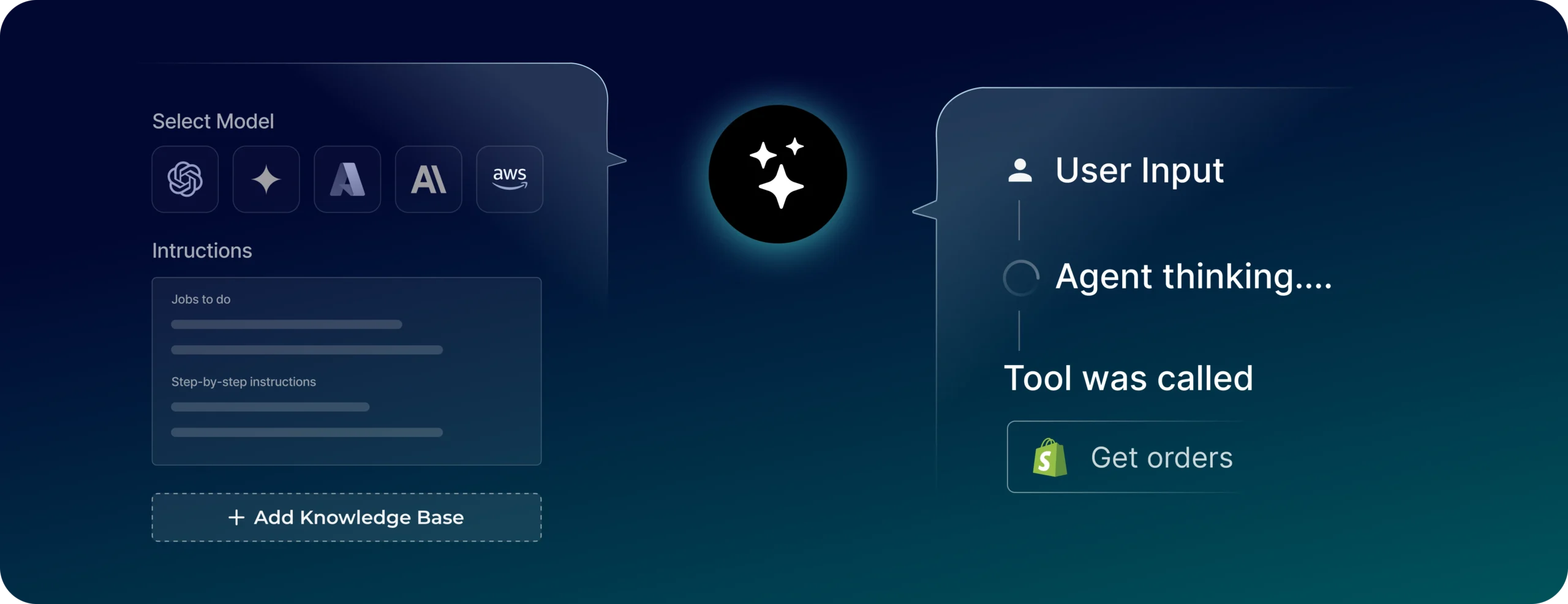
✦ GPT-4o · Claude 3.5 · Gemini · Azure OpenAI · AWS Bedrock
✦ Multi-agent orchestration — no LangGraph required
✦ Deploy in days, not weeks
✦ Enterprise guardrails · SSO · Role-based access · Version control
✦ 1000+ integrations toolkit
✦ Reporting agents · IT agents · Admin Ops agents · Accounts agents
✦ GPT-4o · Claude 3.5 · Gemini · Azure OpenAI · AWS Bedrock
✦ Multi-agent orchestration — no LangGraph required
✦ Deploy indays,not weeks
✦ Enterprise guardrails · SSO · Role-based access · Version control
Enterprise-grade agentic AI platform
Reliably power custom agents that understand user intent, maintain context and achieve complex business goals.


All the tools for your agent, in one place.
+1000 moreWork across internal DBs & external platforms
+1000 more Work with your enterprise tools

50+ custom agents ready to go live from week one
From vendor onboarding and recruitment agents to sales outreach and marketing agents, explore the library of ready agents to install and deploy.
Sales
Qualifies leads, books meetings, follows up
Support
Resolves customer queries end-to-end
Reconciliation
Flags anamolies, auto-update reports, keeps data ready for audits
Appointment scheduler
Books, reschedules, confirms appointments conversationally
Knowledge assistant
Answers questions from approved documents
Employee helpdesk
Resolves employee requests for passwords, leave policies
Why DronaHQ
A fully managed cloud agent infrastructure platform
Orchestration and execution layer bundled into one agent platform so you can build, deploy, and run intelligent AI agents without managing underlying servers.
Integrations
Interfaces
Native RAG
Human-in-the-loop
Multi-agent
RBAC and governance
Observability
Model switching
Time to production
Other tools
Integrations
✕ Custom wrappers per API
Interfaces
✕ Build UI from scratch
Native RAG
✕ Set up and maintain yourself
Human-in-the-loop
✕ Build separately
Multi-agent
✕ Code-heavy setup
Governance
✕ Complex to implement
Observability
✕ External tools needed
Model switching
✕ Requires code changes
Time to production
✕ Weeks to months
DronaHQ
Integrations
✓ OAuth and connectors ready
Interfaces
✓ Built-in chat, widgets, email, links
Native RAG
✓ Built-in and managed
Human-in-the-loop
✓ Built into workflows
Multi-agent
✓ Orchestrated out of the box
Governance
✓ Enterprise-ready controls
Observability
✓ Traces and logs built in
Model switching
✓ Switch models instantly
Deployment
✓ Days to 1 week
Ready to build your AI agents?
Join the teams building AI agents they can actually ship in production.
FAQs
Got questions about custom agents?
Let us know! Reach out, and our team will get right back to you.
What is a custom AI agent? +
A custom AI agent is built around your business logic, data, and tools specifically. It knows your systems, follows your rules, and takes actions: querying databases, updating records, sending notifications, all based on workflows you define.
How is a custom AI agent different from a chatbot? +
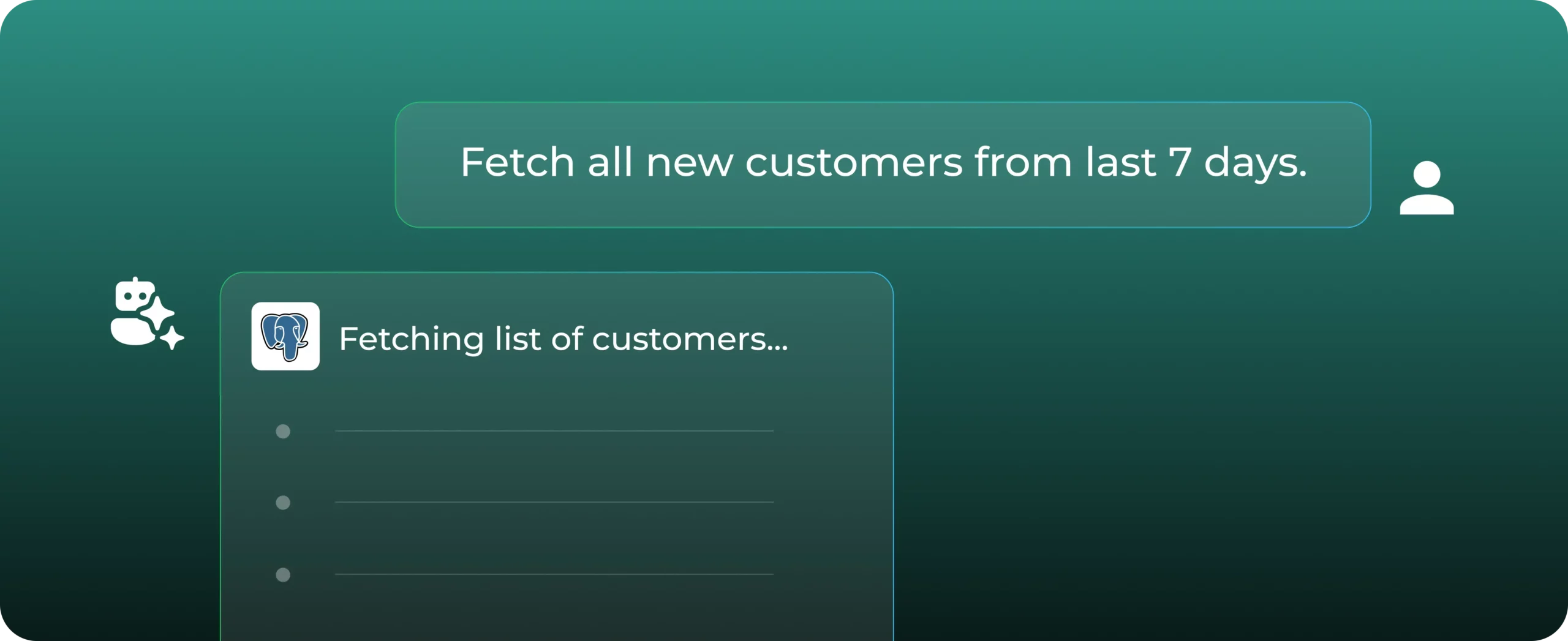
A chatbot returns pre-written answers. A custom agent reasons through a problem, calls your tools, retrieves live data, and completes multi-step tasks on its own.
How do I build a custom AI agent? +
Open the agent builder and give your agent a name.
- Pick a model - choose from GPT-4o, Claude, Gemini, Azure OpenAI, or AWS Bedrock. You can swap this later without rebuilding anything.
- Write the instructions - describe the role in plain language. What the agent handles, who it talks to, and what it must never do.
- Connect tools and data - attach the databases, APIs, or knowledge base the agent needs to act. It can read, write, and trigger actions across your stack.
- Set a trigger - choose the entry point: chat widget, email inbox, WhatsApp, webhook, or scheduled job.
- Publish and monitor - hit publish. The Traces tab logs every run so you can inspect decisions, catch errors, and tune over time.
Which LLMs do you support? +
DronaHQ Agents currently support multiple LLM providers and models through the built-in DronaHQ key. You can view the full and updated list of supported providers, models, and their credit usage here. Agents currently use the built-in DronaHQ key for all supported LLM providers and models.
Who is the agent builder for? +
Engineering, product, and operations teams that need agents to act across internal systems such as CRMs, ERPs, support tools, and internal databases.
Do I need to know how to code to build agents? +
You do not need to be a full-time developer to build agents in DronaHQ. The Agent Builder is designed to let you define logic and connect systems through a visual, guided interface. You can write natural-language instructions, pick models, attach data sources, and select pre-built tools without writing code. For more advanced workflows, developers can extend capabilities using scripts, APIs, and custom tool definitions. This makes it flexible for both non-technical users who want to automate work and engineering teams who need full control.